Step 1
Choose the Computers You Want Protected.
Tell us how many business desktops and laptops need PC Vax. Pricing is based on the number of protected endpoints, making it easy to start small and scale as your business grows. You can also add Managed Patch Management to help maintain supported operating systems and applications.
Calculate Your Price
Step 2
Install PC Vax.
Choose the deployment method that works for your business.
Self-Service
We’ll provide the installer and instructions. Ideal for small environments, existing IT providers, and businesses comfortable installing software.
Managed Deployment
PC Vax can help coordinate deployment, remove conflicting security products where necessary, and verify protection.
Step 3
We Verify Your Protection.
Installation is only the beginning. PC Vax confirms that expected endpoints are:
- Installed
- Reporting
- Assigned correctly
- Receiving the proper security policy
- Properly protected
- Receiving Patch Management where subscribed
A computer isn’t considered fully deployed just because someone clicked Install.
Step 4
24/7 Security Monitoring Begins.
Once deployed, your endpoints continuously report into the managed security environment. PC Vax uses Huntress-powered security technology and security-operations capabilities to help identify suspicious activity.
This monitoring continues whether your office is open, closed, remote, traveling, or working after hours.
Security Doesn’t Clock Out.
Step 5
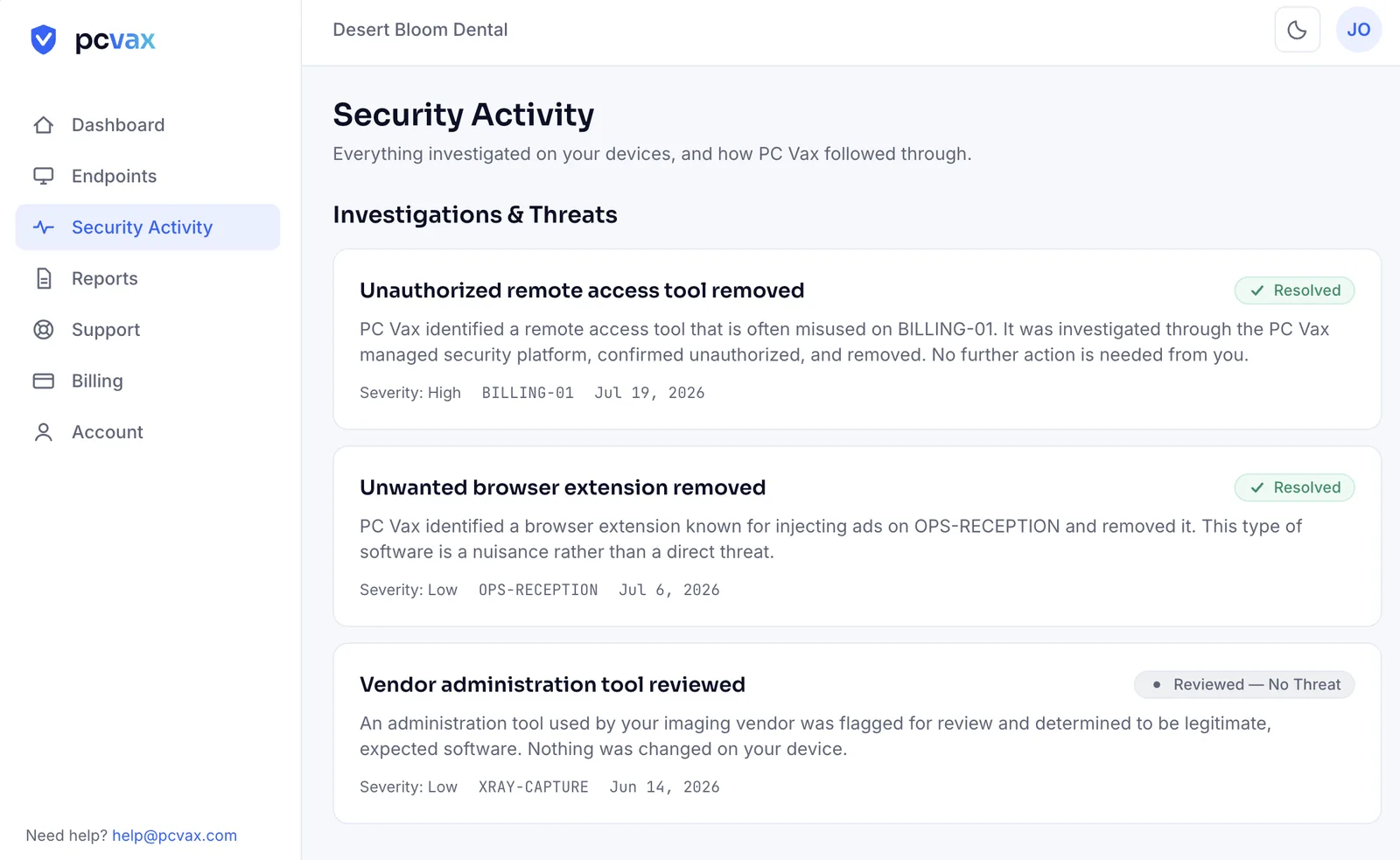
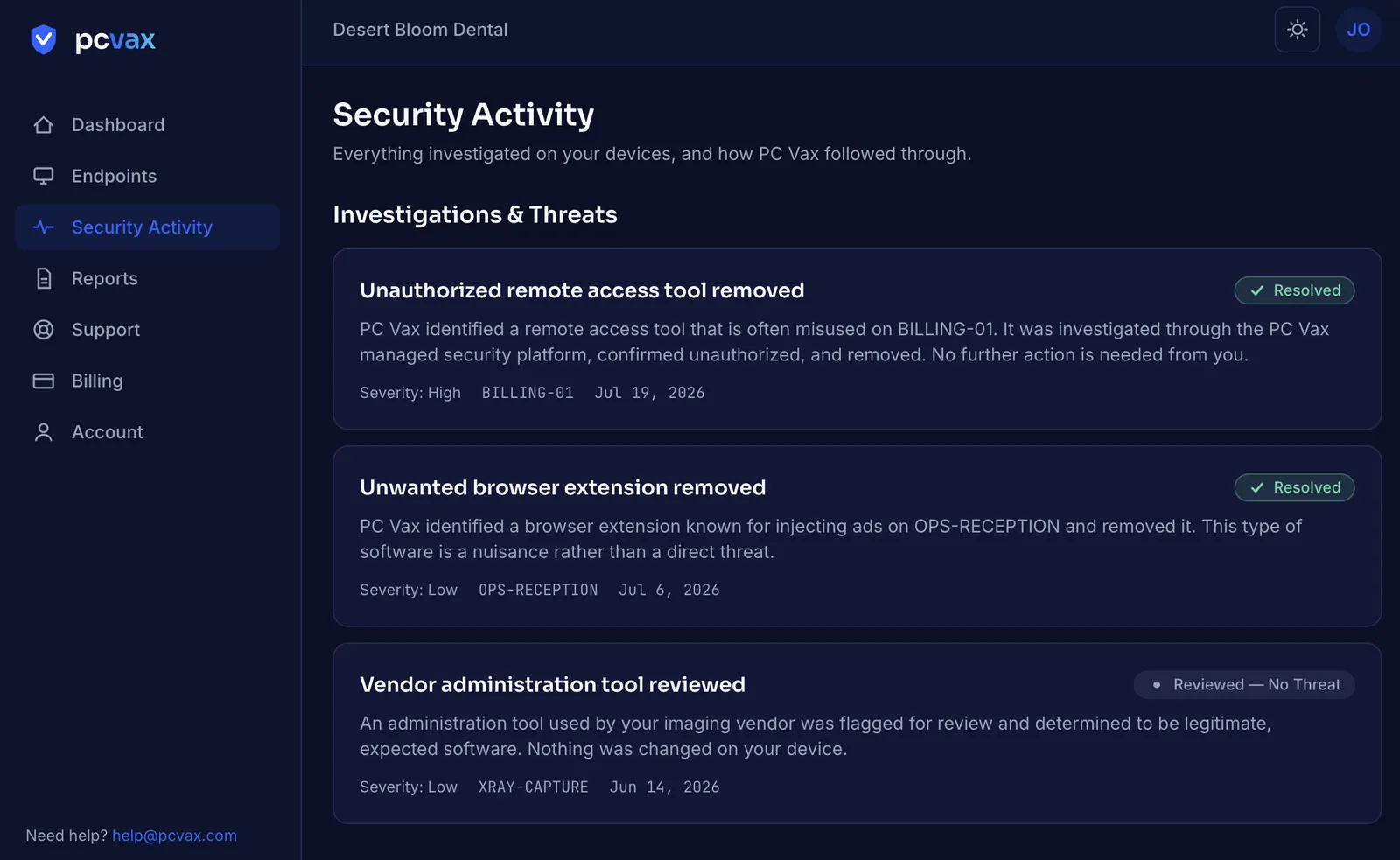
Suspicious Activity Gets Investigated.
Not every security alert represents a real attack. That’s why human investigation matters. Professional security analysts help distinguish noise fromreal threats, so malicious activity receives attention without making your business responsible for interpreting endless alerts.
Step 6
Real Threats Can Be Contained.
Depending on the incident, supported response actions may include:
- Stopping malicious processes
- Removing malicious files
- Performing remediation actions
- Isolating an affected endpoint
- Escalating a significant incident
If an endpoint must be isolated, the goal is simple: help stop the threat from spreading.
Step 7
PC Vax Makes Sure the Job Gets Finished.
This is one of the most important parts of the service. PC Vax reviews security incidents and handles the operational follow-through. That may include:
- Reviewing Huntress incident findings
- Completing additional remediation
- Contacting your business
- Coordinating with your IT provider
- Recommending password resets
- Verifying protection
- Documenting the incident
- Identifying additional security improvements
You don’t simply receive an alert and get left to figure it out.