July 25, 2026
Managed Cybersecurity for Small Business That Acts
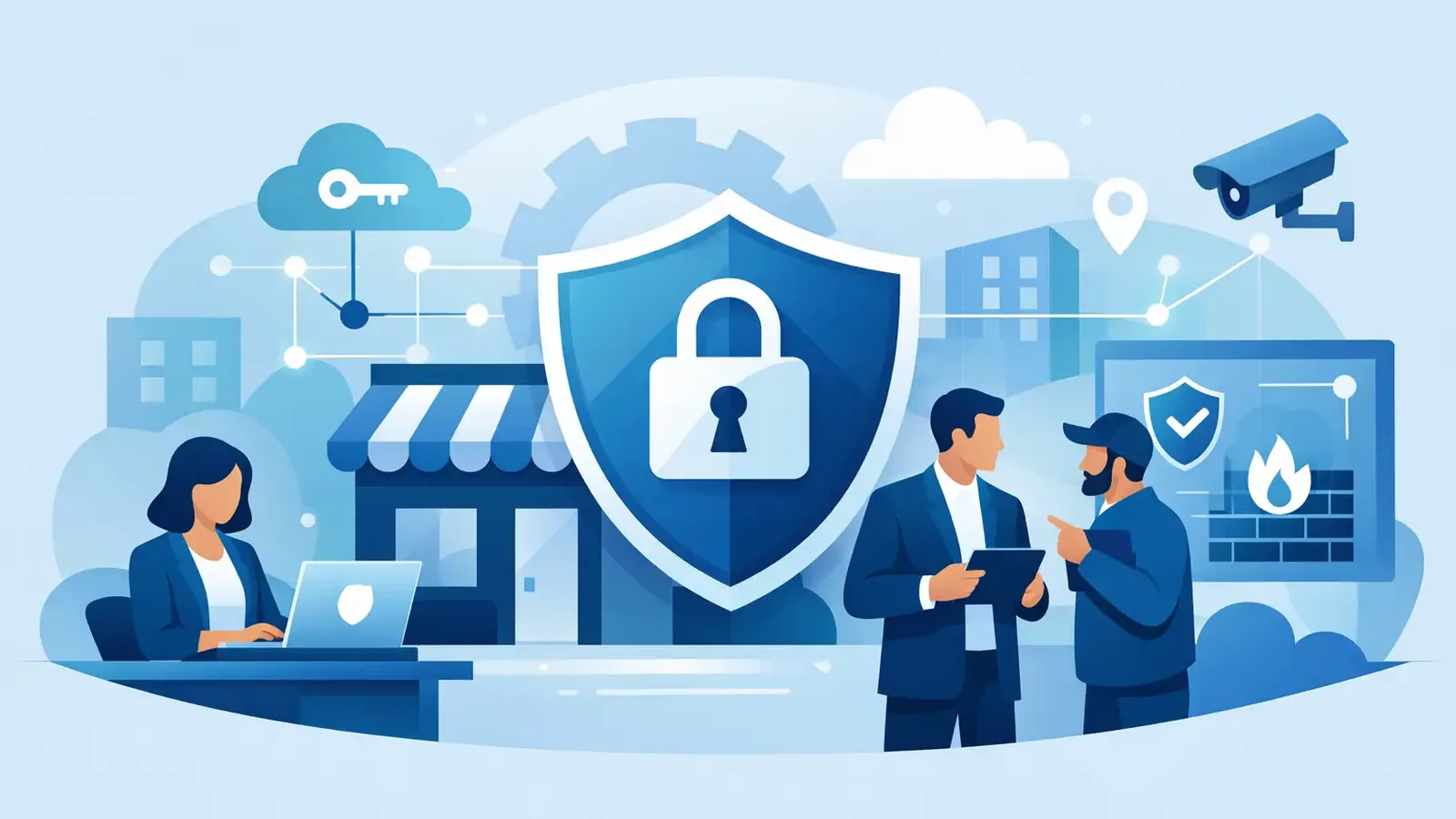
A suspicious login at 11:48 p.m. does not wait for your office to open. Neither does ransomware, a stolen password, or a malicious email attachment that reaches one employee’s computer. Managed cybersecurity for small business is about making sure someone is watching for those events and taking action when they matter - not simply installing software and hoping an alert gets noticed.
For most small businesses, antivirus is still part of the picture. It can block known malicious files and stop many common threats. But antivirus alone does not investigate unusual behavior, decide whether an alert is a real incident, isolate an affected device, or help close the door after an attacker gets in.
Antivirus Detects. Managed Security Responds.
The gap between a security product and a managed security service is operational accountability. A product can generate an alert. A managed service puts trained people behind that alert to investigate what happened and determine what should happen next.
That distinction matters because modern attacks are not always obvious. An attacker may use a legitimate employee password, create a new administrator account, run a tool that looks harmless at first glance, or move quietly between devices. These actions may not resemble the old-fashioned computer virus that antivirus programs were built to recognize.
A managed endpoint detection and response service, often called managed EDR, looks for suspicious behavior on the computers your business relies on. When activity needs attention, security professionals investigate it. If a threat is confirmed, they work to contain it, remediate the issue, and follow through with clear communication.
That does not mean every alert becomes an emergency call. In fact, one benefit of managed cybersecurity is that your team does not have to sort through every low-value notification. The goal is to separate normal business activity from behavior that could put your data, operations, or customers at risk.
What Managed Cybersecurity for Small Business Should Do
Small businesses need protection that fits the way they actually operate. You may have an outside IT provider, a part-time technology consultant, or an office manager handling day-to-day technology questions. You may also have no dedicated IT staff at all. Either way, you should not need an internal security operations center to get meaningful protection.
A focused managed security service should provide continuous endpoint monitoring, professional threat investigation, containment of confirmed threats, remediation support, incident follow-through, and understandable reporting. Those pieces work together. Detection without investigation creates noise. Investigation without containment can leave an attacker active. Containment without follow-through can leave the original weakness in place.
Consider a common scenario: an employee enters credentials into a convincing fake Microsoft 365 sign-in page. The attacker then uses those credentials to access a computer or attempt additional actions on the network. The security issue is not solved just because a tool displays a warning. Someone needs to assess the activity, determine the scope, limit access where appropriate, and coordinate the next steps.
That is the practical value of managed response. It turns security signals into action.
A Clear Division of Responsibility
Many business owners hesitate because they assume cybersecurity service means replacing their existing IT company. It does not have to.
Your IT provider may still manage help desk requests, email setup, Microsoft 365 administration, networking, printers, line-of-business applications, backups, and device deployment. Managed cybersecurity can serve as a specialized endpoint security layer alongside that relationship.
The division should be clear. Security professionals monitor and investigate endpoint activity, respond to confirmed threats, and communicate what occurred. Your IT provider can assist with environment-specific changes, user support, system recovery, and broader technology decisions when needed. Good coordination reduces confusion during an incident, when unclear ownership can waste valuable time.
PC Vax is built around this focused model: professionally operated endpoint protection that complements existing IT support rather than requiring a business to outsource its entire technology environment.
The Questions to Ask Before You Buy
Not every service described as “managed” includes the same level of response. Some providers install software and send reports. Others may notify you of a problem but leave your staff to determine whether it is serious and what to do next. Before choosing a provider, ask direct questions about who is responsible after an alert occurs.
Ask whether monitoring is truly 24/7, whether real security professionals investigate suspicious activity, and whether confirmed threats are actively contained. Find out how incidents are communicated, what remediation support looks like, and whether you receive reporting that is useful for leadership, clients, or insurance documentation.
Price should be clear, too. A predictable per-device monthly model can make security easier to plan for than a large project or a vague service bundle. But the lowest price is not always the lowest risk. Compare what happens after detection, not just which software logo appears on a proposal.
It also helps to understand exclusions. Endpoint security is a critical control, but it is not a complete security program by itself. Email protection, multifactor authentication, backups, employee awareness training, access controls, and network security still matter. A responsible provider should explain where its service begins and ends rather than imply one tool solves every risk.
Patching Is Part of Reducing Exposure
Attackers often exploit known weaknesses in operating systems and common applications. Those weaknesses may have patches available, but patches do not help if they are delayed indefinitely, applied inconsistently, or skipped because no one owns the process.
Managed patch management can reduce this exposure by keeping supported devices on a more consistent update schedule. It is especially useful for organizations with limited internal capacity and a growing number of laptops, desktops, and remote employees.
Patching does involve trade-offs. Updates can occasionally affect an older application, a specialized workflow, or a device that cannot restart during business hours. The answer is not to avoid updates altogether. It is to use a managed approach with visibility, scheduling, and coordination around business-critical systems.
For businesses completing cyber-insurance applications or renewals, documented endpoint protection and patching can also support a stronger security foundation. Insurers commonly look beyond antivirus. They may ask about EDR, monitoring, multifactor authentication, backups, awareness training, patching, and incident-response readiness.
What a Practical Start Looks Like
Getting managed protection in place should not feel like an enterprise procurement project. A sensible onboarding process begins by identifying the devices that need coverage and confirming who should receive security communications. Next comes deployment of the endpoint protection software, verification that devices are reporting correctly, and alignment with your IT provider when one is involved.
From there, the service should establish a clear response path. Your business should know who is contacted, what information is shared during an incident, and how security findings will be reported over time. This preparation matters because decisions are easier when they are made before a suspicious event occurs.
The best time to define responsibility is before someone opens a malicious attachment, not while your team is trying to determine whether customer data was exposed. Choose protection that gives your business a real response path, clear ownership, and people who are prepared to act when the alert is more than just an alert.
PC Vax provides cybersecurity services, not insurance advice. Cyber insurance requirements vary by carrier, policy, and applicant, and PC Vax does not guarantee insurance eligibility, approval, coverage, or premiums.
Professional Cybersecurity. Made Simple.