August 7, 2026
Managed Patch Management for Business That Works
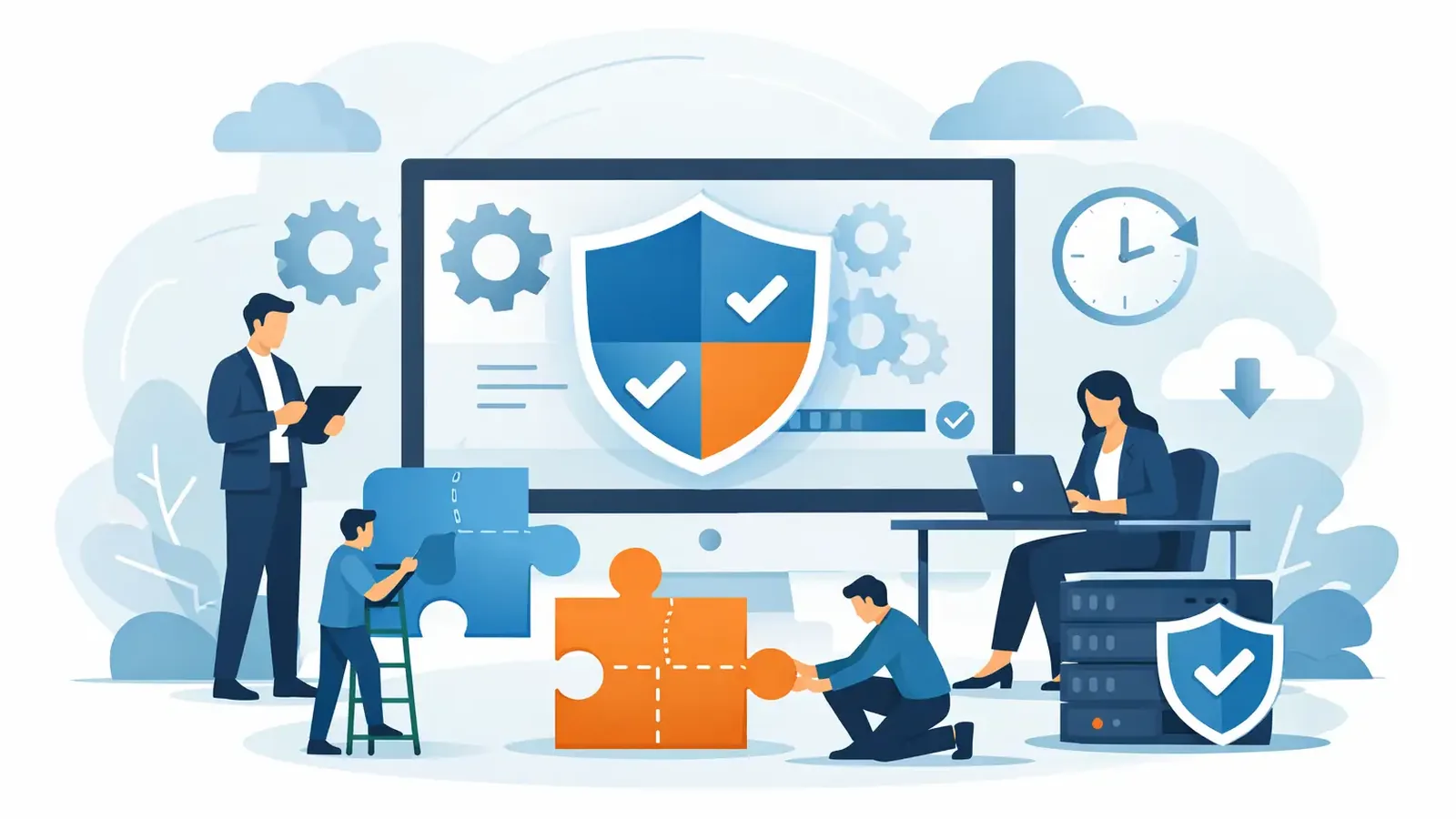
A software update can look like a minor interruption until it closes the exact weakness an attacker is already using. That is why managed patch management for business is not simply an IT housekeeping task. It is a practical security control that reduces known exposure across the computers your staff depends on every day.
For a small business, the challenge is rarely knowing that updates exist. The challenge is deciding what needs attention, deploying it without disrupting work, confirming it installed, and following up when it did not. If nobody owns that process, a critical patch can sit undone for weeks while everyone assumes someone else handled it.
Known Vulnerabilities Create Avoidable Risk
Attackers do not need to invent a new way into every business. They regularly look for public, documented weaknesses in operating systems, browsers, remote access tools, and common business applications. Once a vulnerability is disclosed, the race begins: businesses need to apply the fix before criminals turn that information into an attack.
Unpatched devices can create openings for ransomware, credential theft, unauthorized remote access, and data loss. A single laptop that missed several updates may be enough to give an attacker a foothold. From there, the problem can spread to shared files, business email, cloud applications, and other connected systems.
This risk is especially frustrating because it is often preventable. A patch will not stop every threat, and it does not replace endpoint detection and response, multifactor authentication, backups, or employee awareness. It does reduce the attack surface created by known flaws. That makes it one of the clearest ways to improve a security foundation without asking employees to become security experts.
What Managed Patch Management for Business Should Cover
A managed service should do more than turn on automatic updates and hope for the best. Automatic updates are useful, but they cannot tell you whether an update failed, whether a device has been offline for a month, or whether a critical third-party application remains exposed.
Managed patch management starts with visibility. Your security team needs an accurate view of enrolled computers, their operating systems, installed applications, and patch status. Without that inventory, there is no reliable way to know what is protected and what is falling behind.
From there, the work becomes an operating process. Patches are assessed by severity and relevance, then deployed according to a schedule that fits the business. Critical security updates may need faster attention. Lower-risk updates may be grouped into a planned maintenance window to avoid interrupting meetings, accounting cycles, patient appointments, or other essential work.
The final step is the one businesses often miss: verification. A patching dashboard can show an attempted deployment, but an attempted deployment is not the same as a successful installation. Devices may be powered off, disconnected, short on disk space, or blocked by a software conflict. Managed patching includes monitoring results, identifying exceptions, and following through on devices that still need attention.
Patching Is a Process, Not a Button
Reliable patching requires judgment. Installing every update immediately can create disruption when an update requires a restart or conflicts with a line-of-business application. Waiting too long can leave a known weakness exposed. The right approach depends on the severity of the vulnerability, the devices affected, the availability of a workaround, and how essential the application is to daily operations.
For example, a critical browser or operating-system security update may warrant prompt deployment because employees use that software constantly. A feature update that changes the operating system more substantially may deserve more planning, especially if the business relies on specialized applications, older hardware, or an outside IT provider that needs to validate compatibility.
That is why patch management needs clear ownership. Someone should be responsible for monitoring patch status, handling deployment failures, communicating when action is needed, and documenting the work. When that responsibility is vague, patching becomes a recurring item on a to-do list instead of a completed security control.
A well-run program also recognizes that not every device can be treated the same way. A front-desk computer, an executive laptop, a remote employee’s device, and a workstation running specialized software may require different maintenance windows. The goal is not to force a one-size-fits-all schedule. The goal is to reduce exposure while keeping the business operating.
How Managed Patching Fits With Your Existing IT Support
Many small businesses already have an IT company, internal technology contact, or help desk relationship. They may handle Microsoft 365, printers, networks, user onboarding, servers, and business applications well. Managed patch management does not need to replace that support.
Instead, it can add a focused cybersecurity layer. The patch management provider can monitor and deploy operating-system and application updates across covered endpoints, while the existing IT team remains responsible for broader technology decisions and application compatibility. Clear roles prevent tickets from bouncing between vendors when an update needs review or a device needs hands-on attention.
Before service begins, agree on practical details: which devices are covered, who approves maintenance windows, which applications require special caution, and who contacts the employee if a restart is required. This is particularly useful for remote teams, where a device may be offline or unattended when a patch is released.
PC Vax offers managed patch management as a per-device add-on alongside professionally managed endpoint security. That approach gives businesses a way to address known vulnerabilities without handing over their full technology environment. It also helps ensure patching is considered alongside detection, monitoring, and incident response rather than treated as an isolated checkbox.
What to Expect From a Responsible Service
The value of managed patching is accountability. You should be able to understand what is covered, what is being deployed, and where exceptions remain. Security reporting should make the status clear enough for a business owner or operations leader to act on it without decoding technical language.
Expect communication when a device needs user action, when a reboot is required, or when a patch cannot be applied automatically. Some exceptions are legitimate. A specialized application may require vendor approval before an update, or a device may need replacement because it no longer supports current security updates. The important part is that these exceptions are visible and managed, not ignored.
For businesses preparing for cyber-insurance applications or renewals, documented patching also supports a stronger answer to a common question: how are known vulnerabilities addressed? Insurers may look for evidence that the business maintains security controls rather than relying on informal promises that updates are handled. Reports, defined processes, and follow-up on failed patches provide more confidence than a verbal assurance.
Patching Has Limits, But Skipping It Has Consequences
Patch management is not a guarantee against compromise. Zero-day vulnerabilities can be exploited before a patch exists. Phishing attacks can still trick users into sharing credentials. An attacker may also gain access through a weak password, an exposed cloud account, or a compromised vendor.
That is why patching works best as part of a layered approach. Endpoint detection and response can identify suspicious activity that gets past preventive controls. Multifactor authentication helps protect accounts. Tested backups help the business recover. Employee awareness helps reduce social engineering risk. Each control covers gaps the others cannot fully address.
Still, patching deserves attention because it addresses a category of risk with a known fix. Leaving those fixes unapplied gives attackers an advantage they do not need to earn.
The most useful question is not, “Are updates turned on?” Ask instead, “Who verifies that our devices are patched, and who follows up when they are not?” A clear answer turns patching from an assumption into an accountable part of protecting the business.
PC Vax provides cybersecurity services, not insurance advice. Cyber insurance requirements vary by carrier, policy, and applicant, and PC Vax does not guarantee insurance eligibility, approval, coverage, or premiums.
Professional Cybersecurity. Made Simple.