August 6, 2026
Threat Containment and Remediation Service
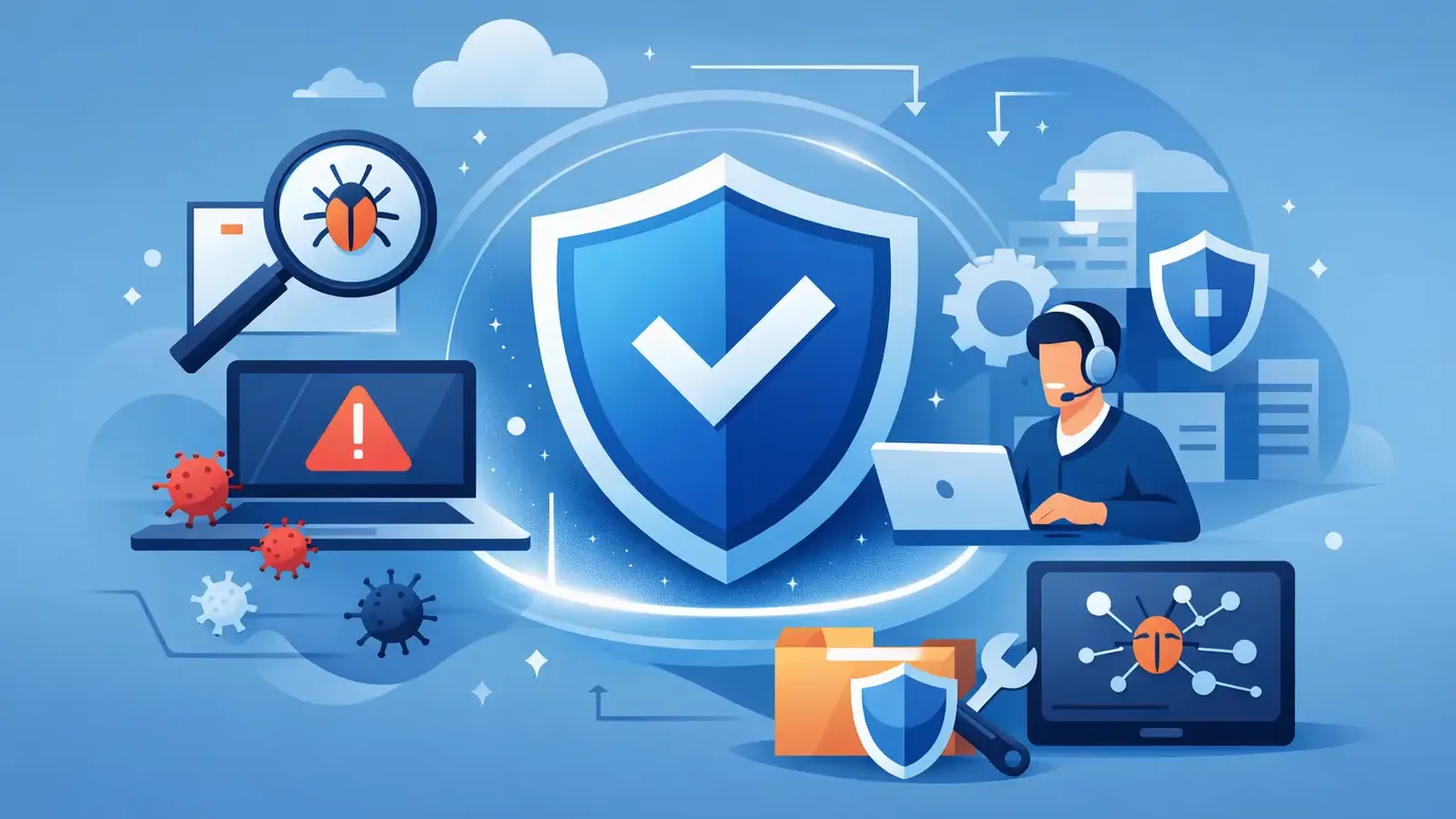
A threat containment and remediation service is what turns a suspicious security alert into a managed business event instead of a late-night scramble. For a small business, the real question is not whether security software can spot unusual activity. It is who is watching, who decides what is real, and who takes action before a problem spreads.
Standalone antivirus can block known malware and flag suspicious files. That is useful, but it is not the same as having professionals investigate an alert, isolate an affected device when needed, remove the threat, and document what happened. Detection is only useful when someone responds.
What a Threat Containment and Remediation Service Does
Threat containment and remediation is the hands-on work that follows a credible security detection. It brings together technology, continuous monitoring, human investigation, and a defined response process.
Containment is about stopping an active or suspected threat from moving further. Depending on what investigators find, that could mean isolating a device from the network, ending a malicious process, blocking a persistence mechanism, or preventing a compromised account or endpoint from causing additional damage. The goal is to reduce the attacker’s options while the situation is assessed.
Remediation is what removes the problem and helps return the device to a safe operating state. That may include deleting malicious files, removing unauthorized tools, correcting harmful configuration changes, addressing persistence, and confirming that the original activity is no longer present. A good service does not stop at “alert closed.” It follows through on whether the threat was resolved and whether the business needs to take additional action.
This distinction matters because not every alert is an emergency, and not every emergency requires the same response. An employee installing a legitimate remote-support tool may look suspicious until it is verified. A compromised endpoint communicating with an unknown external system deserves a faster, more protective response. Experienced review helps separate harmless activity from events that need containment.
Why Antivirus Alone Leaves a Gap
Antivirus is a tool. It is not a security operations team.
Many business owners assume their antivirus will automatically handle every threat. In reality, modern attacks do not always arrive as an obvious virus. They can involve stolen credentials, unauthorized remote access, suspicious scripts, abuse of legitimate administration tools, or activity that looks ordinary until several small signals are connected.
Endpoint detection and response, often called EDR, provides much stronger visibility than traditional antivirus. It can record endpoint activity and identify behaviors that may indicate an attack. But EDR software still produces alerts, and alerts require judgment. If no one is actively reviewing them, a meaningful warning can sit unnoticed among routine notifications.
That gap creates two common problems. First, an internal employee or outside IT provider may receive more alerts than they can reasonably investigate. Second, the business may assume somebody else is handling the response. By the time the ownership of an alert is clear, the event may have become more difficult and expensive to resolve.
A managed service addresses this by putting trained people behind the technology. At PC Vax, Huntress-powered managed EDR is continuously monitored by security professionals who investigate suspicious activity and take defined action on confirmed threats. The point is not to give a business another dashboard to watch. It is to provide an active security layer that owns the security response process.
What a Managed Response Looks Like in Practice
A useful threat containment and remediation service should be easy to understand during a stressful event. The technical work may be detailed, but the business should know what is happening, what has been done, and what is needed next.
A typical response begins when endpoint monitoring identifies suspicious behavior. Security professionals review the context: which device is involved, what process ran, what actions it took, whether the activity matches known attack patterns, and whether other endpoints show related signs.
If the activity is confirmed as malicious or presents a meaningful risk, containment begins. The affected endpoint may be isolated to limit communication with the rest of the network. This can temporarily interrupt the user’s access, which is a trade-off, but it is often preferable to allowing ransomware, credential theft, or unauthorized remote access to continue unchecked.
Then comes remediation. The response team works to remove the malicious artifacts and address the mechanism that allowed the activity to persist. They also determine whether the incident points to a larger issue, such as a missing patch, a reused password, an exposed remote-access method, or a device that needs further IT attention.
Finally, communication and follow-through matter. Business leaders should receive a clear explanation of the event in plain language: what was detected, what action was taken, whether systems were affected, and what next steps are recommended. Security reporting provides a record of the service and helps organizations show that monitoring and response controls are in place.
Containment Is Not Always the Same as Recovery
Containing a threat quickly is critical, but it does not automatically restore every business system or reverse every possible impact. This is where expectations matter.
For example, isolating a laptop can stop suspicious activity from reaching shared resources. Removing malicious tools can eliminate an immediate foothold. But if an employee’s credentials were exposed, the broader recovery may require password resets, multifactor authentication review, and checks within email or cloud applications. If data was encrypted or deleted, recovery may involve backups and the organization’s IT provider.
This is why specialized endpoint security should complement, not replace, the business’s existing IT support. Your IT provider may manage users, Microsoft 365, servers, networks, applications, and backups. A managed threat response service adds focused endpoint monitoring, investigation, containment, and remediation. The teams can work together without forcing the business to replace its technology partner.
For companies without outside IT support, the same principle applies. Security response reduces the chance that a threat becomes a wider incident, but every organization should also know who can assist with operational recovery if a computer, account, or line-of-business application needs repair.
Reducing the Chances of the Next Incident
A response service is most valuable when it helps improve the security baseline after an event, not simply clean up the last one. Incident findings often reveal practical gaps that can be addressed before they are exploited again.
Managed patch management is one example. Attackers frequently take advantage of known operating system and application vulnerabilities when updates are delayed. Keeping devices patched does not eliminate all risk, but it reduces the available attack surface and can prevent a known weakness from becoming the easiest route into the business.
Other controls play different roles. Multifactor authentication makes stolen passwords less useful. Reliable backups support recovery when systems or files are affected. Security awareness training can reduce the likelihood that employees approve a fraudulent login or open a harmful attachment. Each control covers a different failure point. None should be treated as a complete replacement for active monitoring and response.
This layered approach is also practical for cyber-insurance applications and renewals. Insurers increasingly ask whether a business uses EDR, monitored security controls, patch management, multifactor authentication, backups, awareness training, and an incident-response plan. A documented managed security service can help demonstrate that these responsibilities are being handled consistently rather than informally.
Questions to Ask Before Choosing a Service
When evaluating providers, avoid focusing only on the software name or the number of features on a comparison chart. Ask operational questions instead. Who reviews alerts? Is monitoring continuous? What happens when malicious activity is confirmed? Can the provider isolate a device? Who communicates with your team and your IT provider? What reporting will you receive?
Also ask where responsibility begins and ends. Clear boundaries are a strength, not a limitation. A provider should explain what it can contain and remediate at the endpoint level, when it will recommend broader recovery steps, and how it coordinates with the people responsible for your network, cloud services, or applications.
Cost deserves a direct answer as well. Small businesses often avoid managed security because they expect enterprise pricing and complex contracts. Transparent per-device pricing makes it easier to match protection to the computers that run the business and to plan for security as an ongoing operating cost rather than an emergency expense.
The most useful security service is not the one that creates the most alerts. It is the one that gives your business a clear answer when something suspicious happens: trained people are watching, appropriate action is being taken, and you will not be left to figure out the next step alone.
PC Vax provides cybersecurity services, not insurance advice. Cyber insurance requirements vary by carrier, policy, and applicant, and PC Vax does not guarantee insurance eligibility, approval, coverage, or premiums.
Professional Cybersecurity. Made Simple.