August 3, 2026
Managed EDR for Small Business That Responds
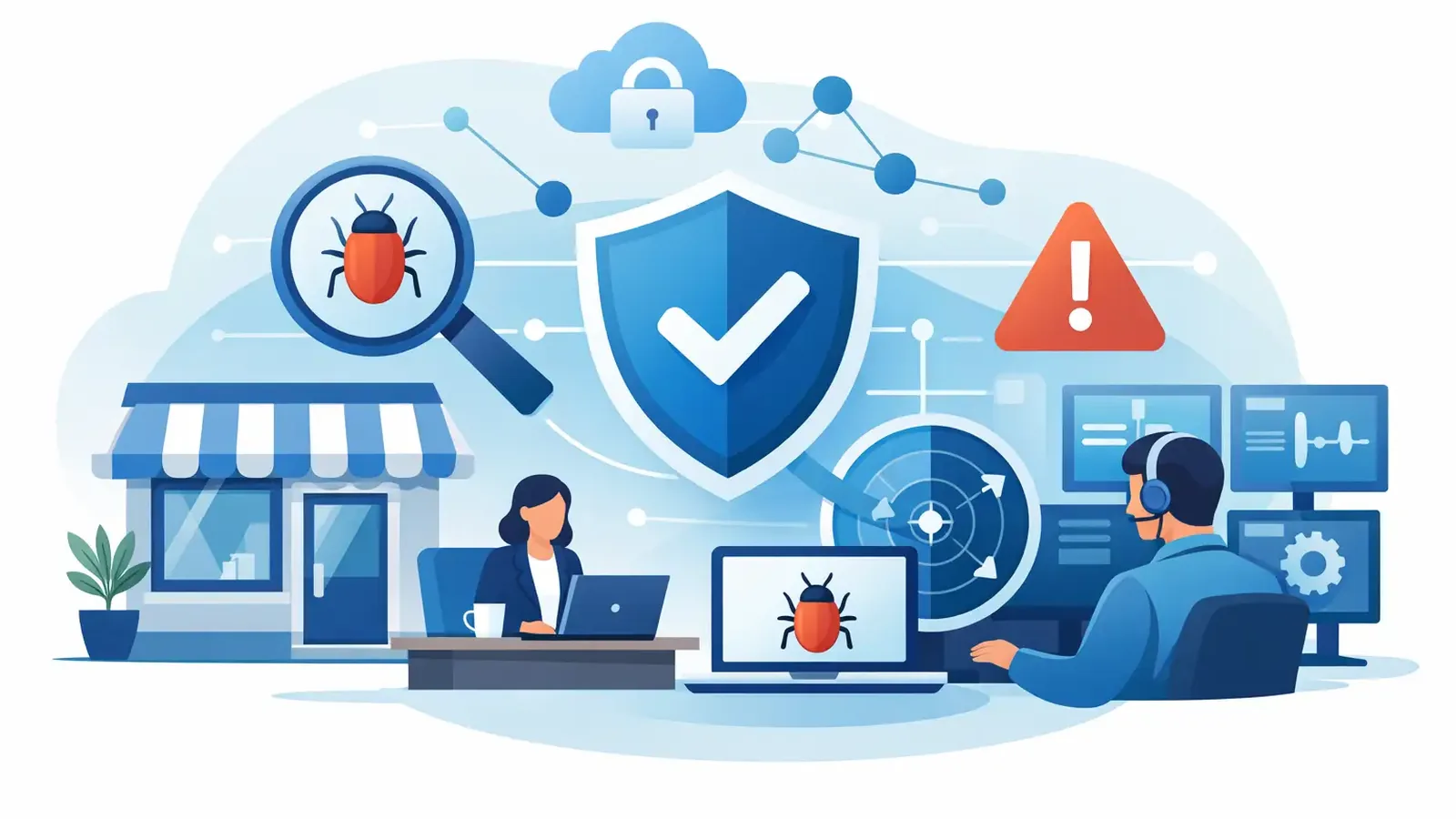
A suspicious login at 2:13 a.m. is not a problem because it creates an alert. It is a problem because someone may be using a valid employee account to reach the computers, files, and applications your business depends on. Managed EDR for small business closes the gap between a security tool noticing suspicious activity and a trained professional taking action.
For many small businesses, traditional antivirus still has a role. It can block known malicious files and stop some common threats. But antivirus is not a security operations team. It does not investigate whether a legitimate-looking PowerShell command is being used to steal data. It does not call your team, isolate an affected device, remove persistence, and confirm the attacker is gone.
That difference matters when your company does not have an internal cybersecurity department watching endpoints around the clock.
What Managed EDR for Small Business Actually Means
EDR stands for endpoint detection and response. Endpoints are the computers and servers where employees work and where attackers often gain their first foothold. An EDR tool collects activity from those devices and looks for signs that something is wrong, including unusual processes, suspicious login behavior, ransomware activity, or attempts to disable security controls.
The word “managed” is the part business owners should examine closely. Software can generate detections. A managed service puts people behind those detections to determine what happened and what should happen next.
A capable managed EDR service should include continuous monitoring, threat investigation, containment of confirmed threats, remediation support, incident follow-through, communication, and reporting. It should not simply send a notice saying, “Malware detected,” then leave your office manager or IT provider to figure out the rest.
That is especially relevant for small organizations. A large enterprise may have analysts assigned to review alerts, incident responders on call, and formal playbooks for every security event. A 12-person accounting firm, a construction company, or a growing professional-services business usually does not. Yet those organizations still hold financial records, customer information, credentials, contracts, and access to valuable systems.
Detection Is Only Useful When Someone Responds
Security alerts are not all equal. Some are harmless. Some need a quick configuration change. Some point to an active intrusion that can spread if nobody acts. The hard work is sorting the signal from the noise without losing valuable time.
Consider a common scenario. An employee clicks a convincing link, enters credentials into a fake Microsoft 365 page, and the attacker signs in from another location. The attacker may not immediately deploy ransomware. They may spend time reading email, setting forwarding rules, searching for invoices, and trying those credentials on other systems.
An endpoint security product might flag suspicious behavior. A managed EDR team investigates the chain of activity. If the threat is confirmed, the response can include isolating the affected device, stopping malicious processes, removing attacker tools, identifying persistence mechanisms, and documenting what was found. Your business receives a clear explanation of the incident and the actions taken.
The exact response depends on the event. Isolating a computer may temporarily interrupt one employee’s work, but it can prevent a compromise from reaching shared files or other endpoints. Not every alert warrants that disruption. That is why judgment matters. A security team should act decisively on confirmed threats while avoiding unnecessary interruptions for routine activity.
Why Antivirus Alone Leaves a Gap
Standalone antivirus is often built around prevention. It identifies known bad files, suspicious downloads, and common malicious behaviors. That remains useful, but attackers do not always use obvious malware.
They may misuse legitimate remote-access tools. They may log in with stolen passwords. They may use scripts and built-in Windows utilities that are normal in the right context and dangerous in the wrong one. They may also wait until a weekend or holiday, when no one is watching closely.
A software-only product can make a small business feel covered while shifting the operational responsibility back to the customer. Someone still needs to read alerts, decide whether they matter, understand how to contain the issue, and verify remediation. If your team cannot realistically do that at 9 a.m., it is unlikely to happen reliably at 9 p.m. or 3 a.m.
Managed EDR is not a promise that nothing bad can ever happen. No honest provider can make that promise. It is a practical commitment that suspicious endpoint activity will be watched, investigated, and handled by professionals with a defined response process.
What to Look for in a Managed EDR Provider
Small businesses do not need an enterprise procurement project to choose endpoint security. They do need clear answers. Ask what happens after an alert is generated, who investigates it, who can contain a confirmed threat, and how the provider communicates during an incident.
Look beyond feature lists. “AI-powered,” “next-generation,” and “advanced protection” may describe useful technology, but they do not explain who owns the response. A provider should be able to describe the operational workflow in plain language.
A strong service should answer these questions:
- Is endpoint activity monitored 24/7, including weekends and holidays?
- Do trained security professionals investigate suspicious detections before escalating them?
- Can the provider isolate a device or otherwise contain a confirmed threat?
- Does the service include remediation and follow-through, rather than alert notifications alone?
- Will you receive understandable incident communication and regular security reporting?
- Can the service work alongside your current IT company instead of forcing you to replace it?
The last point is often overlooked. Your IT provider may handle help desk support, Microsoft 365 administration, networking, line-of-business software, and backups. Specialized managed EDR can complement that work. Security professionals focus on endpoint threats, while your existing IT team continues managing the rest of your environment.
Patching Still Matters
EDR responds to suspicious activity. Patch management reduces opportunities for attackers to get in through known vulnerabilities. You need both, but they solve different problems.
A missed operating system or application update can leave a documented weakness open for months. Attackers routinely look for these gaps because they are repeatable and inexpensive to exploit. Managed patch management helps keep operating systems and common applications current, reducing the exposed attack surface across your devices.
Patching is not always as simple as installing every update immediately. Some businesses use specialized software that needs testing before a major change. A practical patching approach balances timely security updates with operational stability and keeps exceptions visible instead of forgotten.
EDR and Cyber Insurance Requirements
Cyber insurance applications have made endpoint security a boardroom and renewal issue even for very small companies. Insurers increasingly ask about EDR, multifactor authentication, backups, patching, security awareness training, and incident-response procedures.
Checking a box is not the same as maintaining a control. If an insurer asks whether EDR is deployed and monitored, you should be able to explain what is installed, which devices are covered, who monitors alerts, and what happens when suspicious activity is confirmed. Regular reporting provides useful evidence that the service is active and being managed.
EDR does not replace multifactor authentication or reliable backups. It works alongside them. Multifactor authentication can stop many account-takeover attempts. Backups help with recovery after disruption. Awareness training helps employees recognize phishing. Managed EDR provides the active endpoint detection and response layer that connects the warning signs to action.
A Practical Starting Point
Start by identifying every business endpoint that needs protection: employee laptops, desktops, and servers. Include remote workers and devices that rarely come into the office. A security tool cannot monitor a computer that was never enrolled.
Then clarify responsibilities. Your IT provider may need to help with deployment, device access, or changes made during an incident. Your managed security provider should explain its monitoring and response role. Your internal contact should know who receives incident communications and who can approve urgent business decisions when needed.
PC Vax provides this focused security layer with professionally operated, Huntress-powered managed EDR, 24/7 monitoring, investigation, containment, remediation, and follow-through. Its per-device approach is designed for businesses that need serious endpoint protection without handing over their entire IT environment.
The right question is not whether your antivirus produces alerts. Ask who is watching, who decides what is real, and who takes responsibility when a threat reaches a business computer. That is where managed security becomes practical rather than theoretical.
PC Vax provides cybersecurity services, not insurance advice. Cyber insurance requirements vary by carrier, policy, and applicant, and PC Vax does not guarantee insurance eligibility, approval, coverage, or premiums.
Professional Cybersecurity. Made Simple.