August 5, 2026
Who Investigates Security Alerts at Your Business?
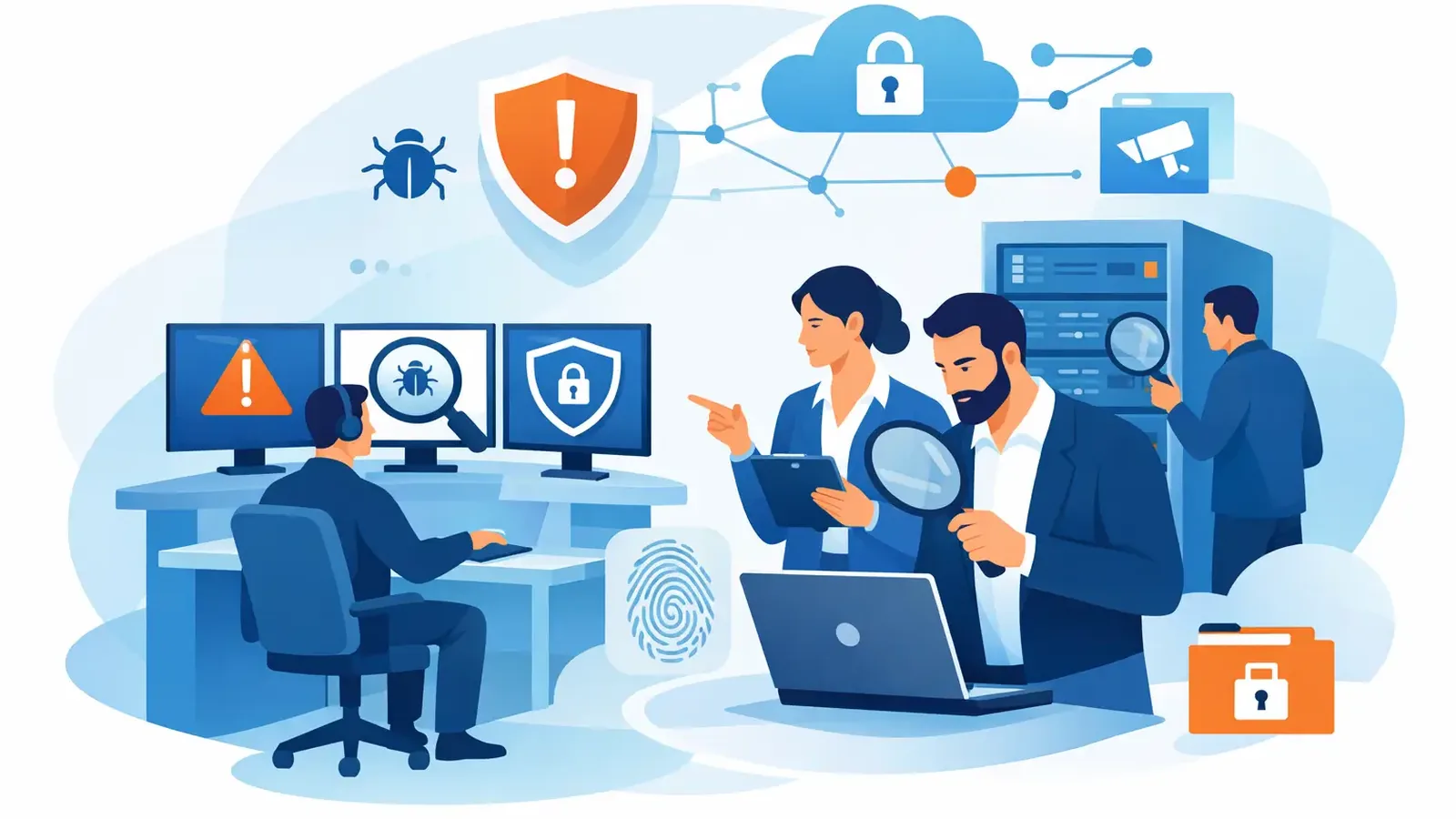
When a workstation starts running an unfamiliar program, your antivirus generates an alert. The alert is useful, but it does not answer the question that matters next: who investigates security alerts and decides what to do?
For many small businesses, the honest answer is nobody. The alert may sit in an email inbox, a software dashboard, or an IT ticket queue until someone notices it. By then, a real attacker may have had time to move between systems, access files, or create another way back into the network.
Detection is only useful when someone responds. That is the difference between buying security software and having managed security.
Security alerts do not investigate themselves
Antivirus, endpoint detection and response (EDR), and other security tools are designed to spot unusual behavior. They can identify a suspicious file, a login from an unexpected location, a program attempting to change system settings, or activity associated with known threats.
Those signals are valuable. They are not final answers.
An alert may be harmless. An employee might install a legitimate new application that looks unfamiliar to the security tool. A software update may behave in a way that triggers a detection. Or the alert could be the first visible sign of ransomware, stolen credentials, or an attacker trying to gain control of a computer.
The software cannot always know the business context. It cannot call the employee, confirm whether the activity was expected, assess related evidence, or coordinate the next steps with your IT provider. Someone has to review the alert, determine whether it is a threat, and act with the right level of urgency.
Who should investigate security alerts?
In a larger enterprise, a security operations center, often called a SOC, reviews alerts around the clock. That team may include analysts, threat hunters, incident responders, and security engineers. They have defined procedures, escalation paths, and access to detailed security data.
Most small businesses do not have that kind of internal team, nor should they have to build one just to protect a few dozen computers. Hiring enough people to provide 24/7 coverage is expensive, and security investigation requires specialized experience that goes beyond normal help desk support.
For a small business, security alerts should be investigated by trained security professionals operating a managed detection and response service. Their job is to separate ordinary noise from credible threats, then take or coordinate the actions needed to stop the threat.
Your existing IT provider can remain central to your technology environment. They may handle user support, Microsoft 365, networking, line-of-business applications, and infrastructure. Managed endpoint security adds a focused layer of expertise for suspicious activity on the devices your business depends on.
What a real investigation looks like
A professional investigation is not simply checking a box that says an alert was reviewed. It is a process of gathering enough evidence to make a sound decision quickly.
When an alert comes in, the security team first looks at what triggered it. Was a suspicious file downloaded? Did a process try to disable protective controls? Did an employee’s computer begin communicating with a known malicious destination? They then examine the surrounding activity, including the device involved, the user account, related processes, and whether similar behavior appears elsewhere.
Context changes the response. A suspicious script run by an accounting employee might warrant immediate scrutiny. The same script may be part of a known administrative task if it was launched by an approved IT tool. Experienced analysts do not dismiss an alert just because it has one possible explanation. They verify what happened.
If the evidence points to a real threat, speed matters. The affected device may need to be isolated from the network to prevent the threat from spreading. Malicious files can be removed or blocked. Credentials may need to be reset. Other endpoints may need to be checked for the same indicators. Your IT provider or internal contact may need specific instructions to complete related work.
That is why “we send alerts” is not the same service as “we investigate and respond.” One gives you a notification. The other provides operational accountability.
The difference between monitoring and response
Some security products advertise monitoring, but the word can mean very different things. Monitoring may mean the vendor collects data and displays alerts in a portal. It may mean an automated system emails a report. Those functions can be helpful, but they still leave the customer responsible for interpreting the risk and deciding what happens next.
Managed detection and response should include human review and a defined response process. At PC Vax, Huntress-powered Managed EDR is paired with 24/7 monitoring, professional threat investigation, containment, remediation, incident follow-through, and customer communication. The goal is not to give a business owner another dashboard to watch. The goal is to make sure suspicious activity has an accountable team behind it.
There are trade-offs. A fully managed response service costs more than basic consumer antivirus because people are involved when an alert needs judgment. But the comparison is not just a monthly software price. It is the cost of missed alerts, delayed decisions, business interruption, recovery work, and the damage a security incident can cause to customer trust.
What happens after a threat is confirmed?
A confirmed threat should not disappear into a closed ticket. The immediate task is containment, but containment alone may not resolve the underlying problem.
For example, if a malicious attachment is executed on one computer, isolating that device may stop further spread. The next questions are just as important: Did the attacker access the user’s email? Were credentials exposed? Did the same attachment reach other employees? Is there a vulnerable application or missing security update that made the attack easier?
A complete response follows the incident through. That can include removing malicious artifacts, identifying affected systems, providing clear next steps, verifying that protections are restored, and documenting what occurred. The right actions depend on the event. A low-risk false positive and a credential theft incident should not receive the same level of disruption or escalation.
Clear communication is part of the service. Small business owners should not receive a vague message full of technical terms and be left to guess whether they have a problem. They need to know what was detected, whether it was confirmed as malicious, what actions were taken, what actions are still needed, and whether there is any business impact.
Why alert fatigue creates real risk
Security tools can produce a high volume of detections. Most are not emergencies, but every alert takes time to assess. This is alert fatigue: when the volume of warnings makes it harder to notice the ones that require immediate attention.
An internal employee who already manages operations, finance, client work, or general IT should not have to become a full-time security analyst after hours. Even capable IT teams can be stretched thin, especially when their primary responsibility is keeping users productive.
A managed team helps reduce that burden by filtering, investigating, and escalating meaningful events. Your team stays informed without being forced to decide whether every unusual process, file, or connection is a business-threatening incident.
Patching still matters before an alert appears
Security alert investigation is a necessary safety net. Reducing the number of opportunities for attackers is equally necessary.
Many successful attacks begin with known weaknesses in operating systems or common applications. Managed patch management helps reduce exposure by keeping approved updates moving across devices. It does not eliminate every security risk, and patching must be handled carefully around older software or specialized applications. Still, a consistent patching process removes a common path attackers use.
For businesses working toward cyber-insurance requirements, endpoint protection, monitoring, patching, multifactor authentication, backups, awareness training, and an incident-response plan all work together. No single control is enough. The value comes from having practical layers and knowing who owns each responsibility.
Questions to ask before you choose a security service
Before relying on any endpoint security product or provider, ask direct questions. Who reviews alerts, and is that review available 24/7? What happens when suspicious activity is confirmed? Can the team isolate a device or contain a threat? Who communicates with us and our IT provider? Will we receive useful reporting on what was found and done?
Listen for specific answers. “Our software uses AI” or “you will receive notifications” does not explain who is accountable at 2:13 a.m. A provider should be able to describe the people, process, response boundaries, escalation steps, and follow-through in plain language.
The best security arrangement is not the one with the most alerts. It is the one where a credible threat reaches qualified people quickly, action is taken with care, and your business is not left alone to figure out what happened.
PC Vax provides cybersecurity services, not insurance advice. Cyber insurance requirements vary by carrier, policy, and applicant, and PC Vax does not guarantee insurance eligibility, approval, coverage, or premiums.
Professional Cybersecurity. Made Simple.