August 11, 2026
Security Reporting for Small Business That Works
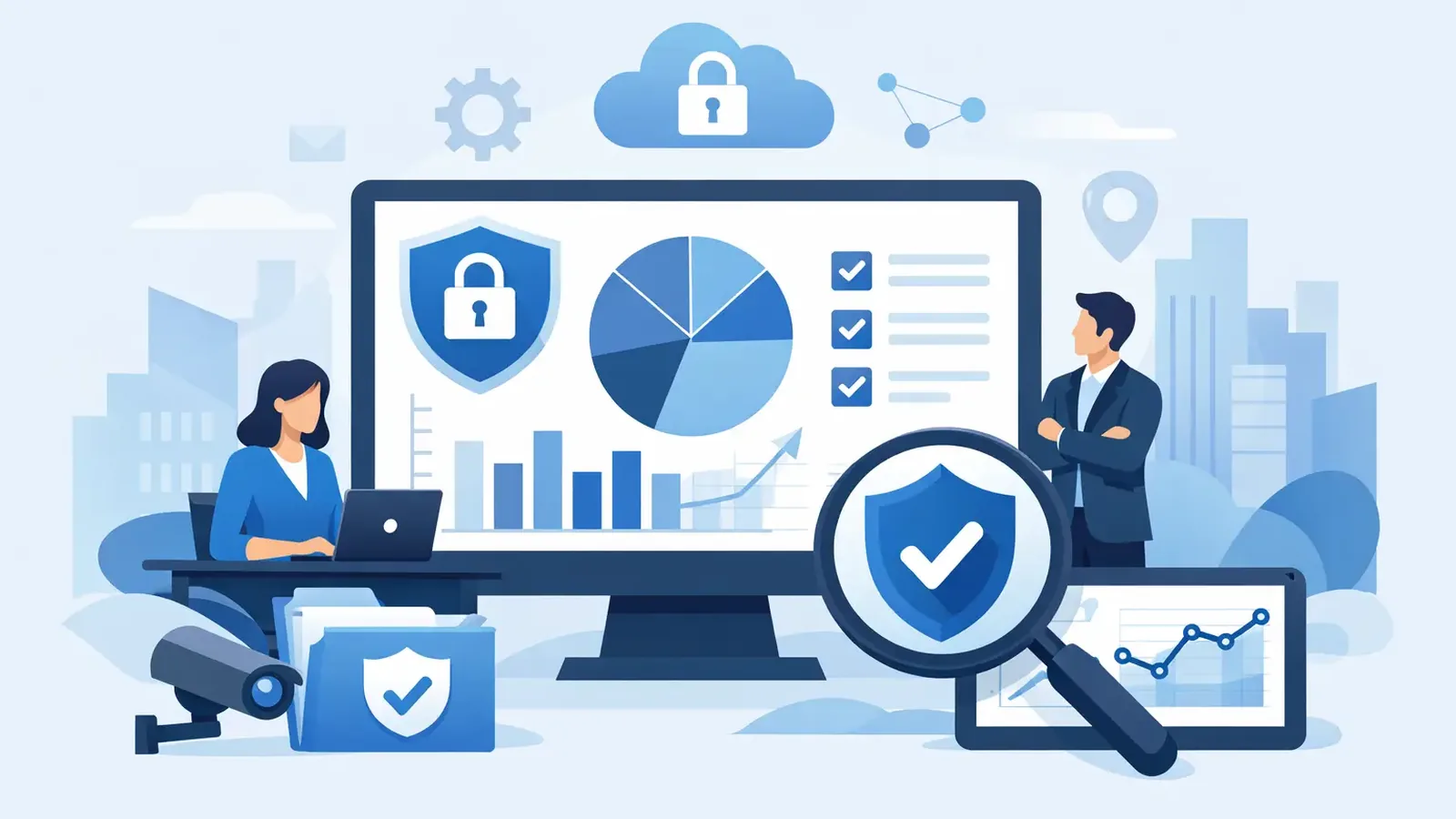
A suspicious login is blocked at 2:14 a.m. A laptop receives a critical patch three days later. An employee clicks a convincing phishing link, but the endpoint is isolated before it spreads. If no one can explain what happened, what was done, and whether the risk is closed, those security events do little to reassure a business owner.
That is the real purpose of security reporting for small business. It is not a monthly stack of technical alerts. It is a clear record of what is being protected, what needs attention, what actions were taken, and where the business still has exposure.
For a small company without a security operations center, reporting is how cybersecurity becomes manageable. It replaces assumptions with answers.
A security report should answer practical questions
Many software tools produce reports automatically. That does not mean the report is useful. A long list of detections, device names, and severity labels can create more confusion than confidence, especially when nobody translates it into business impact.
A useful report answers the questions an owner, office manager, or operations leader actually needs to ask: Are all company computers protected? Did anything suspicious happen? Was it investigated? Did someone contain the problem? What needs to be fixed next? Are we meeting the controls our insurer, clients, or contracts expect?
The distinction matters. Antivirus reporting often confirms that software is installed and updates are current. Managed security reporting should go further. It should show that active monitoring occurred, that alerts were reviewed by security professionals, and that confirmed threats received a response.
Detection is only useful when someone responds. A report should make that response visible.
What belongs in security reporting for small business
The right level of detail depends on your business, industry, and insurance requirements. A solo professional handling sensitive client files will need a different report than a 75-person company with multiple offices and an outside IT provider. Still, the core elements are consistent.
A clear monthly report should cover four areas:
- Protected devices and coverage gaps: Which endpoints are actively enrolled, which are offline, and whether any business computers are missing protection.
- Security activity and investigation: Meaningful detections, suspicious activity reviewed, confirmed threats, and the outcome of each investigation.
- Response and remediation: Actions taken to isolate a device, remove malicious tools, reset credentials, guide the user, or coordinate with IT.
- Risk reduction work: Patch status, known vulnerabilities, operating system concerns, and practical next steps that reduce future exposure.
This is not about filling a report with every event generated by a security tool. Computers create an enormous volume of normal background activity. The value comes from filtering that activity, investigating what matters, and communicating the conclusion in plain language.
For example, “PowerShell alert detected” is not a useful business update by itself. A better explanation is: “Suspicious command activity was detected on one accounting workstation. The activity was investigated, the device was isolated as a precaution, no credential theft was confirmed, and the affected files were remediated. The user was notified, and the device was returned to service.”
That tells the business what happened and, just as important, what did not happen.
Reports are proof of an operating security process
Small businesses often buy endpoint protection because they need better protection than consumer antivirus can provide. But software on a device is only one part of the equation. Someone must watch alerts, decide which ones are real, contain confirmed threats, and follow through until the issue is resolved.
Security reports create accountability around that process. They provide evidence that monitoring and response are not merely promised, but performed.
This is especially useful when several people share responsibility for technology. Your IT provider may handle help desk requests, Microsoft 365 administration, networking, line-of-business applications, and backups. A focused managed cybersecurity provider can watch endpoints and respond to threats. The report helps both sides see where responsibilities meet.
If a device needs urgent patching, for example, the security report can identify the risk while the IT provider handles a software compatibility question or deployment schedule. If suspicious activity requires credential resets, the report documents the reason and outcome. That coordination is far more productive than forwarding raw alerts between vendors after the fact.
Why patch reporting deserves its own attention
Threat detection gets attention because it feels immediate. Patching can feel routine, which is exactly why it is often neglected. Attackers commonly take advantage of vulnerabilities that already have fixes available.
A patch report should show more than a percentage score. It should identify material gaps: devices missing important operating system updates, applications with known vulnerabilities, machines that have not checked in, and exceptions that need a decision.
There are trade-offs. Applying every update immediately may not be appropriate for a business with specialized software, older hardware, or a critical workflow that cannot tolerate surprise changes during business hours. But delaying patches should be a conscious, documented decision with a plan, not an invisible gap.
Managed patch management helps turn this into a repeatable process. Instead of wondering whether systems are current, the business can see what was installed, what failed, and what requires follow-up. That reduces attack surface before a detection ever occurs.
Make reports useful for cyber insurance and client requests
Cyber insurance applications increasingly ask direct questions about endpoint detection and response, monitoring, patching, multifactor authentication, backups, employee awareness training, and incident-response readiness. A policy renewal can become stressful when a business has security controls but no organized way to demonstrate them.
Security reporting will not replace your insurance application or guarantee coverage. It can, however, give you reliable documentation to support your answers. It shows the devices under protection, the service activity performed, the response process in place, and the vulnerabilities being addressed.
The same applies when a larger client sends over a security questionnaire. You may not need enterprise certifications to demonstrate reasonable care. You do need clear evidence that your company has security controls and that someone is actively managing them.
Keep in mind that endpoint reporting is only one part of the picture. Multifactor authentication, tested backups, staff training, access management, and an incident-response plan still matter. A good report should be honest about its scope rather than imply that one tool solves every risk.
How often should a small business review security reports?
Monthly is usually the right cadence for leadership review. It gives the business enough time to identify patterns, address patch gaps, and track recommendations without turning security into a weekly administrative burden.
Urgent events are different. If a credible threat is detected, the business should hear about it when action is needed, not wait for the next report. The monthly report then documents the incident, actions taken, and any remaining follow-up.
A quarterly discussion can also help growing companies look beyond individual alerts. Are unmanaged devices appearing? Are patch exceptions accumulating? Are employees repeatedly encountering phishing attempts? Has a new insurance requirement created a control gap? Those questions are where reporting supports better decisions, not just compliance paperwork.
What to expect from a managed security partner
A security provider should not use reporting to hide behind technical language. You should be able to tell what they are watching, what they found, what they did, and what they need from you.
At PC Vax, that means endpoint activity is backed by professional investigation and incident follow-through, not simply software that sends alerts somewhere. When a threat is confirmed, the work includes containment, remediation, communication, and documentation of the outcome.
Ask a prospective provider who reviews alerts, what happens when suspicious behavior is detected after hours, how they coordinate with your IT support, and what their reports show. Vague answers are a warning sign. Your business does not need a report that looks impressive. It needs one that makes responsibility clear.
The best report should leave you with a short, practical view of your security position: what is covered, what was handled, and what deserves attention next. That kind of clarity makes it easier to protect the business before an alert becomes an interruption.
PC Vax provides cybersecurity services, not insurance advice. Cyber insurance requirements vary by carrier, policy, and applicant, and PC Vax does not guarantee insurance eligibility, approval, coverage, or premiums.
Professional Cybersecurity. Made Simple.