August 27, 2026
Small Business Breach Response Guide: First 24 Hours
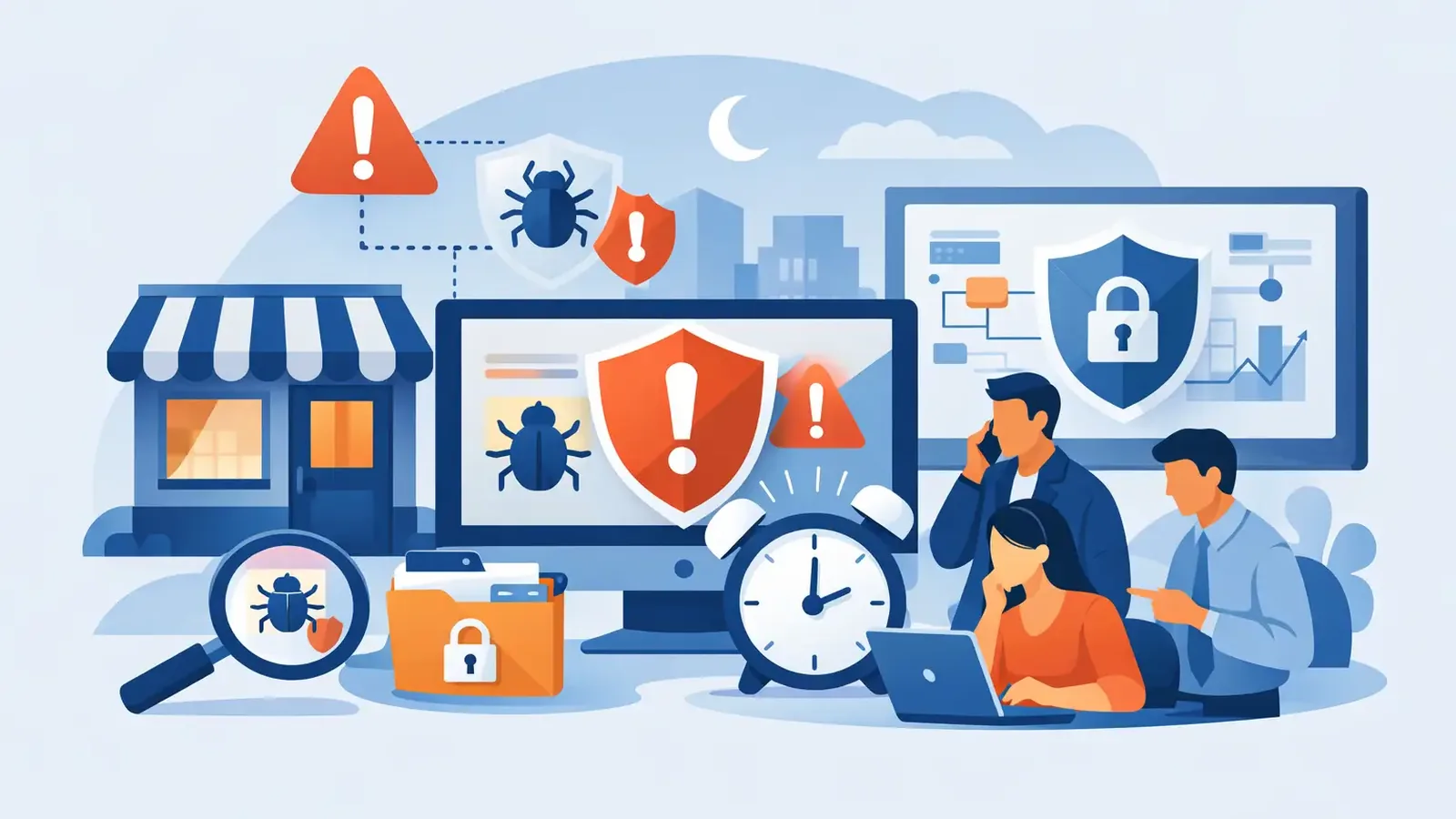
A suspicious login, an unfamiliar software alert, or a shared folder suddenly full of renamed files can turn an ordinary workday into a high-pressure decision. This small business breach response guide is built for that moment: when you need to act quickly without making the situation worse. The goal is not to diagnose every technical detail yourself. It is to contain the risk, preserve what happened, protect your people and customers, and bring in the right responders.
Standalone antivirus may flag something, but an alert is not a response plan. Someone still needs to determine whether the activity is real, isolate affected systems, remove the threat, and follow through until business operations are safe to resume.
What Counts as a Possible Breach?
A breach is not limited to a headline-making data theft event. For a small business, it can begin with one compromised email account, a laptop infected with remote-access malware, a fraudulent bank-change request, or an employee entering credentials into a convincing phishing page.
Treat these signs seriously, especially when they occur together: repeated multifactor authentication prompts an employee did not initiate, unexpected password reset notices, files that become inaccessible or renamed, new forwarding rules in email, unusual administrator accounts, or security software that has been disabled. A vendor, bank, customer, or IT provider reporting suspicious activity also deserves immediate attention.
Not every alert is a confirmed breach. It may be a false positive, an employee using an unfamiliar application, or a legitimate system change. That uncertainty is exactly why businesses need a calm process. Do not dismiss the signal, and do not announce a breach before qualified investigation establishes what occurred.
Small Business Breach Response Guide: The First 24 Hours
The first day is about controlling exposure and creating a reliable record. Speed matters, but so does judgment. Deleting evidence, rebooting an affected computer, or sending a broad internal message too early can complicate investigation and recovery.
First 15 Minutes: Contain the Affected Device or Account
If a computer appears actively compromised, disconnect it from the network. Unplug the Ethernet cable or turn off Wi-Fi. Leave the device powered on unless a security professional directs otherwise. Powering it off can erase useful information about active processes, connections, and memory activity.
If the concern is an email or cloud account, do not rely on a password reset alone. Notify the person responsible for IT or security immediately. They may need to revoke active sessions, review sign-in logs, remove malicious inbox rules, check connected applications, and verify whether the attacker created additional accounts.
There are exceptions. If ransomware is actively spreading through shared drives, rapid network isolation may take priority over preserving a single device’s state. If a fraudulent payment is underway, call the bank’s fraud department at once while your technical team investigates. The right first move depends on the threat, which is why a response partner should be reachable and prepared to make that call.
Within One Hour: Start an Incident Record
Assign one person to coordinate the response. For a smaller company, this may be the owner, office manager, operations lead, or outside IT contact. Their job is to keep actions organized, not to solve the technical problem alone.
Record the time the issue was discovered, who reported it, which device or account is involved, what was observed, and every action taken. Save screenshots of suspicious messages or alerts when it is safe to do so. Keep original phishing emails intact rather than forwarding them widely or clicking links to investigate.
This record matters for several reasons. It helps responders reconstruct the incident, reduces confusion when several people are involved, and may be needed for cyber-insurance reporting, legal review, or customer communication. Facts collected early are usually more reliable than memories collected days later.
Within Four Hours: Get Professional Investigation Underway
A confirmed threat requires more than removing one file. Responders need to determine how the attacker got in, whether they moved to other systems, what accounts were used, whether data was accessed, and whether the original weakness remains open.
This is where managed endpoint detection and response changes the outcome. Instead of leaving a business with an alert and a support ticket, security professionals investigate suspicious endpoint activity, isolate confirmed threats, and guide remediation. PC Vax provides that active security layer while allowing a business to keep its existing IT provider for help desk, infrastructure, and business applications.
Ask your responder direct questions: Is this confirmed malicious activity? Which systems and accounts are affected? Is there evidence of data access or exfiltration? What has been isolated? What should employees do right now? When will the next update arrive? Clear answers prevent panic and keep business leaders from making assumptions.
By the End of Day One: Protect the Rest of the Business
Once immediate containment is underway, broaden the review. Reset credentials for affected users and privileged accounts, enforce multifactor authentication where it is missing, and inspect remote-access tools, email rules, administrator accounts, and recent software installations. If the incident involved a vulnerable application or operating system, patching may be part of remediation, but only after the team understands the scope and avoids disrupting evidence or critical operations.
Verify backups as well. A backup only helps if it is available, intact, and separate from the systems an attacker could reach. Do not restore systems simply because they are backed up. First confirm that the restored environment will not reintroduce malware, stolen credentials, or a misconfiguration that allowed the incident.
Communicate Clearly Without Speculating
Employees need practical direction, not technical detail. Tell them what they need to do: stop using a specific system, avoid opening a suspicious email, expect a password reset, or report unexpected authentication prompts. Ask them not to discuss the incident externally unless they are authorized to do so.
Customers, vendors, insurers, and regulators may also need to be informed, but timing and content depend on what was exposed, where affected people are located, contractual obligations, and applicable state or federal requirements. Bring in legal counsel and your cyber-insurance carrier early when personal data, financial information, regulated records, or material business interruption may be involved.
Avoid saying that no data was accessed until the investigation supports that conclusion. The same restraint applies to declaring the situation resolved. A measured update is more credible than a fast statement that later changes.
Recovery Is Not Finished When the Computer Works Again
A device can appear normal while a stolen account, persistence mechanism, or overlooked cloud setting leaves the business exposed. Before closing an incident, confirm that the initial access path has been addressed, affected accounts are secure, malicious tools and scheduled tasks have been removed, and systems have received appropriate security updates.
Recovery should also include a short review of what made the incident harder or easier to manage. Did staff know whom to call? Were device records current? Did multifactor authentication cover email, remote access, and administrator accounts? Did endpoint protection generate an alert that someone actually investigated? Were backups tested recently?
This is not about blaming the employee who clicked a bad link or the manager who delayed an update. Attackers depend on ordinary human mistakes and ordinary business pressures. The useful question is what control, process, or managed service will reduce the chance that one mistake becomes a full business disruption.
Prepare Before the Next Alert
A workable response plan does not need to be a hundred-page binder. It needs current contact information, clear authority to isolate systems and reset accounts, a list of critical applications and vendors, tested backups, and a defined path to expert incident response. Review it with your IT provider, leadership team, and security partner at least once a year.
The strongest plans also reduce the number of emergencies in the first place. Managed endpoint monitoring, prompt patch management, multifactor authentication, user awareness training, and backup testing each cover a different part of the problem. No single control guarantees safety. Together, they give a small business more time, better visibility, and a team ready to act.
When an alert arrives, your business should not have to decide whether anyone is watching. The practical advantage is knowing who will investigate, who can contain a confirmed threat, and who stays involved until the work is done.
PC Vax provides cybersecurity services, not insurance advice. Cyber insurance requirements vary by carrier, policy, and applicant, and PC Vax does not guarantee insurance eligibility, approval, coverage, or premiums.
Professional Cybersecurity. Made Simple.