August 25, 2026
How to Document Security Controls Clearly
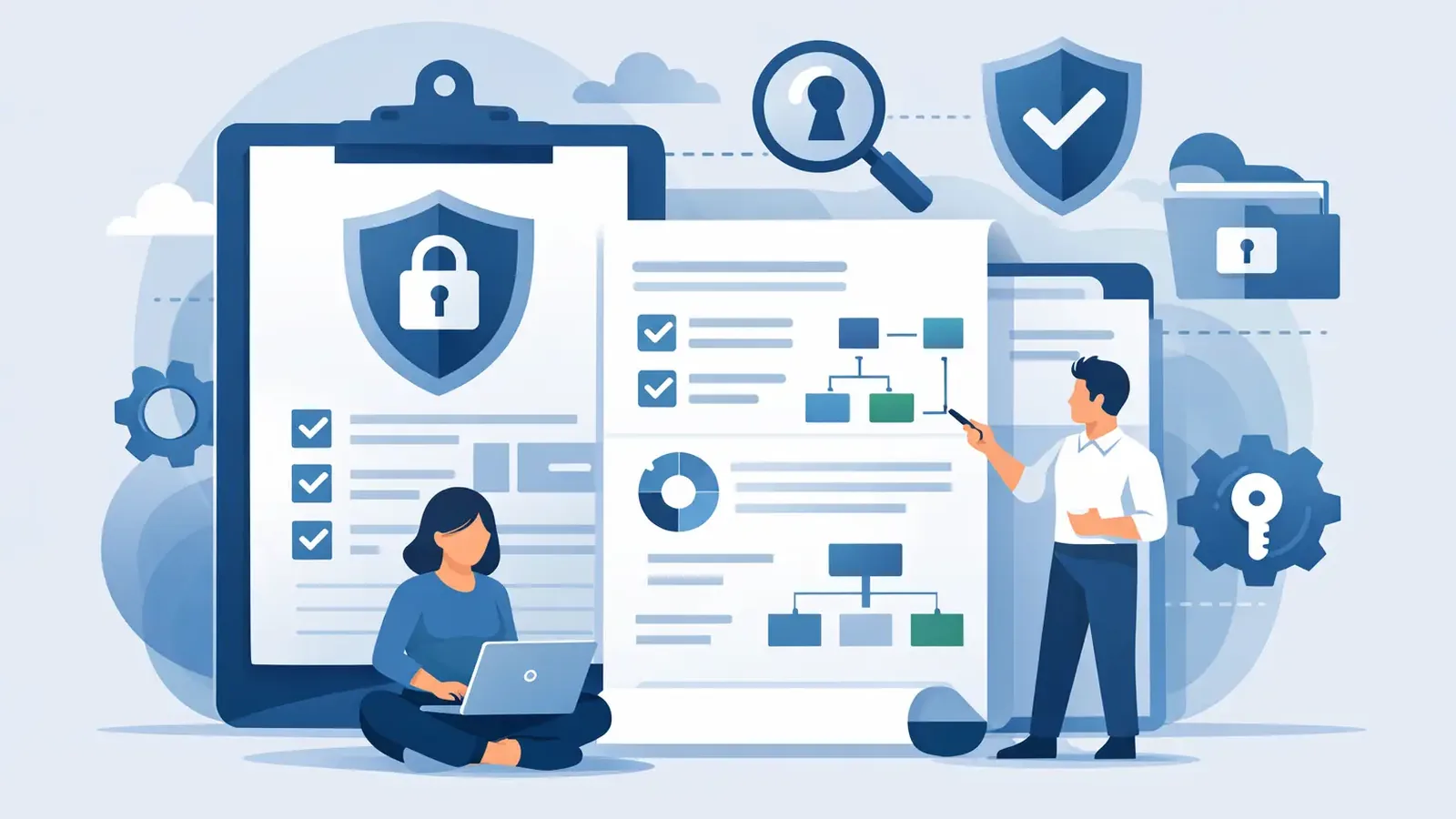
A cyber-insurance application asks whether you use endpoint detection, multifactor authentication, backups, patching, and employee training. Checking “yes” is easy. Proving those controls are active, owned, and reviewed is where many small businesses get stuck. Learning how to document security controls turns security from a set of assumptions into something you can show to an insurer, auditor, client, or leadership team.
The goal is not to create a binder full of technical language that nobody reads. Good security documentation answers straightforward questions: What are we doing? Who is responsible? How do we know it is working? What happens when it is not? Where is the evidence?
Start with the controls you actually operate
Do not begin by copying a long enterprise security framework into a spreadsheet. Start with the protections your business already has in place and document them honestly. A shorter, accurate record is more useful than a polished document that claims controls you cannot support.
For many small businesses, the first set of controls includes endpoint protection and monitoring, patch management, multifactor authentication, password practices, backups, access management, security awareness training, and an incident response process. Depending on your industry, you may also need to document encryption, vendor access, email security, data retention, or physical access to devices.
A control is more than a software subscription. For example, “antivirus installed” does not explain whether the software is installed on every device, whether alerts are monitored, who responds to a confirmed threat, or whether an unmanaged laptop can slip through the cracks. The same applies to backups. “We have backups” is not enough if no one can show when they last ran or whether a restore was tested.
Document what happens in real life. If an outside IT provider handles Microsoft 365 and device setup while a cybersecurity provider monitors endpoints, record both responsibilities. Clear boundaries prevent a familiar problem: an alert appears, a device needs attention, and every vendor assumes someone else owns the next step.
Build one record for each security control
The simplest approach is a control register: one central document with a separate entry for each important control. It can begin as a well-organized spreadsheet or a shared document. What matters is consistency, access control, and a regular review process.
For each entry, capture the same core details:
- Control name and purpose: State what the control does in plain language, such as “Managed endpoint detection and response to identify and contain suspicious activity on company computers.”
- Scope: Identify which people, systems, locations, or devices are covered. If some devices are excluded, say why and how that risk is handled.
- Owner: Name the person or provider accountable for operating the control. Avoid vague labels such as “IT.”
- How it operates: Describe the actual process, including monitoring, automated actions, escalation, and human response where applicable.
- Evidence: List the records that demonstrate the control is in place, such as deployment reports, console screenshots, ticket records, test logs, policy settings, or monthly reports.
- Review schedule: Set a realistic date or cadence for checking the control. Monthly, quarterly, and annually all have a place, depending on the control.
- Exceptions and corrective actions: Record gaps, temporary exceptions, and what will be done to resolve them.
This format makes documentation useful without making it complicated. It also helps distinguish between a control that exists on paper and one that is consistently operated.
Example: documenting managed endpoint security
A useful endpoint security entry might say that all company-owned Windows and macOS devices are enrolled in managed EDR. It would name the internal business owner, identify the managed security provider responsible for 24/7 monitoring and threat investigation, and explain the escalation path when suspicious activity is confirmed.
The evidence could include a current device inventory, an EDR deployment report, monthly security reports, incident tickets, and records of containment or remediation actions. The review process may involve comparing the EDR device list with the company asset list each month to identify missing or retired devices.
That level of detail shows a meaningful control. It does not just say software was purchased. It demonstrates that someone is watching, responding, and following through.
Match evidence to the question being asked
Different audiences need different levels of proof. A business owner may only need a clear quarterly view of coverage, open risks, and completed work. A cyber-insurance carrier may ask for confirmation of specific controls and supporting records. A larger client may request policies, training logs, or a description of incident response responsibilities.
Keep the evidence practical and current. Useful examples include device coverage reports, patch compliance reports, MFA configuration records, backup success logs, restore-test results, employee training completion records, access review notes, and incident response tickets.
Screenshots can help, but they should not be your only evidence. Screenshots become outdated quickly and can expose sensitive details if they are shared carelessly. Whenever possible, use reports that include a date, system name, and clear status. Store sensitive evidence in a restricted location rather than attaching it to broadly shared documents.
For insurance purposes, be especially careful with wording. If a control is partially deployed, document the gap and remediation plan instead of representing it as complete. Honest documentation may prompt a follow-up question, but inaccurate documentation creates a far more serious problem after a claim.
Document people and response, not just technology
Security controls fail most often at handoffs. A system sends an alert. A person receives an email. Nobody knows whether the alert is real, whether a device should be isolated, or who needs to inform leadership and affected clients.
Your documentation should make response responsibilities visible. For endpoint threats, define who investigates alerts, who can authorize disruptive actions, how the affected user is contacted, and who confirms the device is safe to return to service. For a lost laptop, define who disables accounts, whether remote wipe is available, and how the event is recorded.
This is where managed security has a practical advantage over software-only protection. Detection is useful only when someone reviews it and acts. PC Vax documents the operational work behind endpoint protection: continuous monitoring, threat investigation, containment, remediation, customer communication, and reporting. Those records can support both security oversight and insurance documentation.
An incident response plan does not need to predict every possible attack. It should establish the first actions: preserve evidence, contain the issue, notify the right people, restore safely, and document what happened. Review the plan at least annually and after a meaningful incident. If the plan was not practical during an actual event, update it while the details are still fresh.
Set review dates that your team can keep
Documentation becomes unreliable when it is treated as a once-a-year insurance task. Controls change when employees leave, new computers are added, providers change, software licenses lapse, and business systems move to the cloud.
Use different review intervals based on risk and how often the underlying environment changes. Device coverage, missing patches, backup failures, and security alerts often deserve monthly attention. User access and vendor access may be reviewed quarterly. Policies, training plans, and incident response procedures are commonly reviewed annually, with updates after material changes.
The right schedule depends on your size and systems. A five-person office does not need enterprise governance meetings. But it still needs a named owner and a calendar reminder to verify that the basics are operating. Consistency matters more than an elaborate process that no one can sustain.
Keep a small review log with the date, reviewer, findings, and follow-up actions. This creates a useful history. It also prevents the same unresolved issue from being rediscovered every renewal season.
Make your control register useful during an incident
The best test of security documentation is whether it helps when pressure is high. If a staff member reports a suspicious login or an endpoint alert requires action, your records should quickly answer which systems are covered, who to call, where evidence is stored, and what the approved escalation path is.
Avoid storing the only copy of this information on a system that may be unavailable during an incident. Restrict access appropriately, but make sure authorized decision-makers can reach it from a separate device or location. Include emergency contacts for your IT provider, cybersecurity provider, leadership team, and cyber-insurance carrier if applicable.
Good documentation is not paperwork for its own sake. It is proof that the business has taken responsibility for security and knows what to do next. Start with the controls you operate today, assign real owners, retain evidence, and review the record before someone else asks for it.
PC Vax provides cybersecurity services, not insurance advice. Cyber insurance requirements vary by carrier, policy, and applicant, and PC Vax does not guarantee insurance eligibility, approval, coverage, or premiums.
Professional Cybersecurity. Made Simple.