August 23, 2026
A Malware Containment Example for Small Business
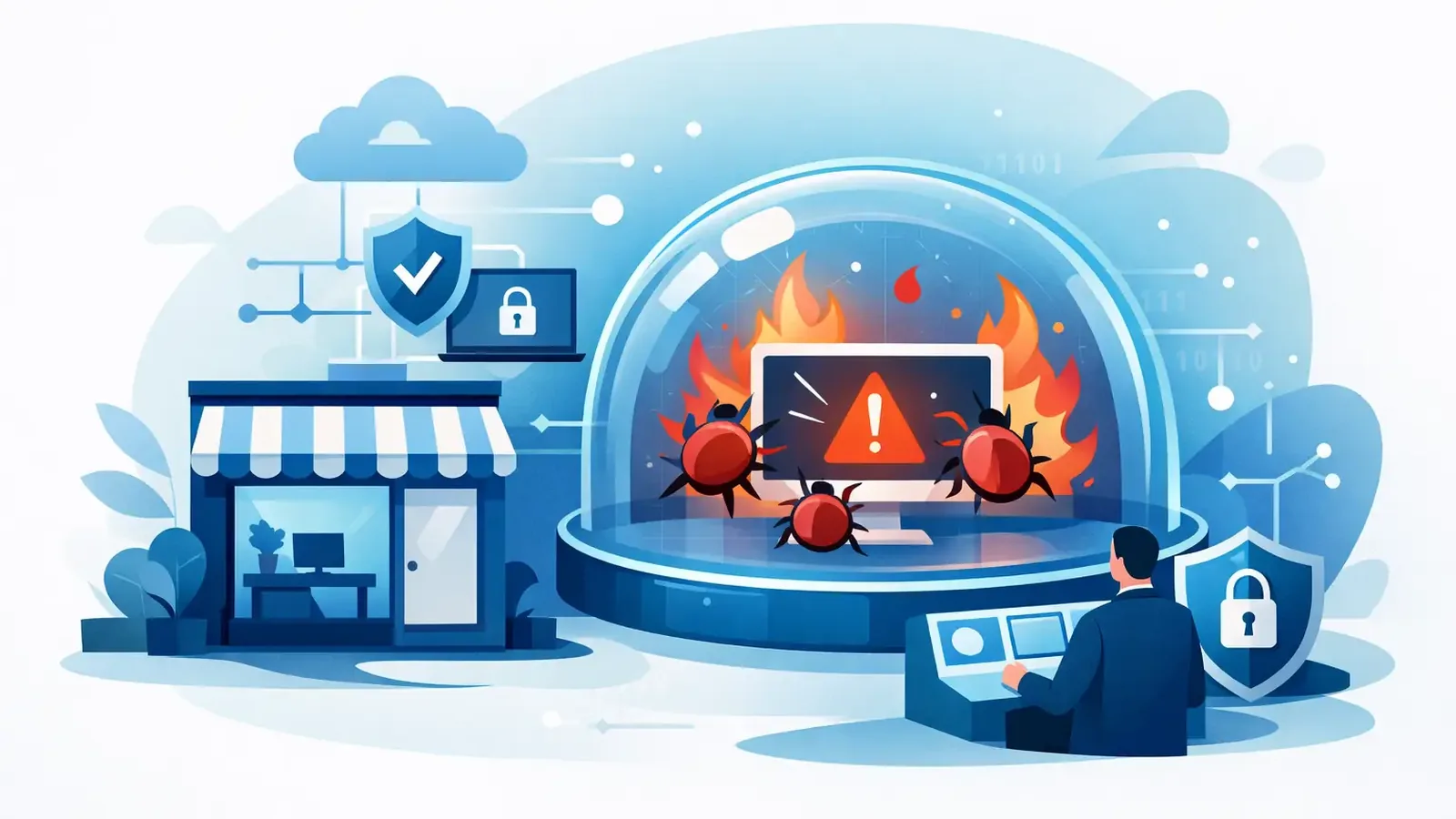
A malware containment example is most useful when it shows what happens after an alert appears, not just how malware gets detected. For a small business, the critical question is simple: when a computer starts behaving like an attacker controls it, who acts, how quickly, and what happens to the rest of the business?
A traditional antivirus alert may tell you that something suspicious was found. That is not the same as containing an active threat. Containment means limiting the damage while qualified people determine what occurred, remove the threat, and make sure the device is safe to use again.
A malware containment example: suspicious PowerShell activity
Consider a 25-person accounting firm. The firm has an outside IT provider handling email, Microsoft 365, line-of-business software, and day-to-day support. It also uses managed endpoint detection and response, or EDR, because no one on staff is available to investigate security alerts around the clock.
At 2:17 a.m., the EDR platform detects unusual behavior on a workstation used by a payroll specialist. A process launched through PowerShell attempts to download a file from an unfamiliar internet address. It then tries to create a scheduled task so it can run again after the computer restarts.
This is not proof of a full compromise by itself. Some legitimate software uses PowerShell and scheduled tasks. But the combination of an unusual download, a suspicious command, and a persistence attempt deserves immediate investigation. Waiting until the employee arrives at work could give an attacker hours to move through the network, collect files, or deploy ransomware.
2:20 a.m. - The alert is reviewed
A security analyst reviews the detection rather than treating every automated alert as a confirmed incident. They examine the command that ran, the file involved, the website contacted, the user account, and other activity on the endpoint.
The analyst also checks whether the same indicators appear on other protected devices. That distinction matters. One infected computer requires a focused response. Similar activity across several computers may require broader action, such as temporarily isolating multiple endpoints or involving the client’s IT provider right away.
In this case, the activity is confirmed as malicious. The downloaded file is associated with a remote-access tool commonly used by attackers after a phishing-based infection.
2:28 a.m. - The workstation is isolated
The analyst places the affected workstation into network isolation through the EDR platform. The computer remains powered on and connected to the security service, but it loses normal access to the company network and the internet.
That one action changes the situation. The malware can no longer easily contact its command server, reach file shares, spread to nearby systems, or send data out of the business. The payroll specialist’s device is unavailable for regular work, but the firm’s other employees can continue working.
Containment is a trade-off. Isolating a device can interrupt an employee and delay a deadline. Not isolating a confirmed threat can turn a one-device problem into an outage affecting every employee, client record, and shared folder. For a suspicious event that has not been verified, the response may be more measured. For confirmed malicious activity, speed is usually the safer choice.
2:35 a.m. - The investigation expands
Isolation stops the immediate risk, but it does not explain how the threat arrived or whether the attacker succeeded before access was cut off. The analyst investigates the device’s recent activity and looks for evidence of credential theft, file access, additional malicious tools, or movement to other endpoints.
They find that the employee opened an email attachment late the prior afternoon. The attachment used a fake shared-document notice and prompted the user to enable content. That action launched the malicious command.
The security team searches across the protected environment for the same attachment name, sender pattern, file hash, command line, and network destination. No other endpoints show the same behavior. The attacker did not access the firm’s file server, and there is no evidence that the payroll system was reached.
This is why detection alone is not enough. A dashboard can show an alert. It cannot independently decide whether the event is harmless, isolate the right device, establish the scope of the incident, or explain the outcome to the business.
What containment does and does not solve
Containment is the emergency brake. It reduces an attacker’s ability to continue, but it is not the finish line. The affected computer still needs remediation, validation, and a documented return to service.
For this accounting firm, the next steps depend on the evidence. If the malicious activity was blocked before execution and no persistence or credential access occurred, cleaning the endpoint and confirming normal behavior may be appropriate. If the attacker gained administrative access, changed security settings, or accessed sensitive data, rebuilding the workstation from a known-good source may be the better decision.
A good response also considers the systems around the device. The team may recommend password resets for the affected user, review multifactor authentication activity, and ask the IT provider to check email rules or tenant logs. If the infected user had elevated access, the investigation should be wider. If the device held regulated data, the business may also need legal, insurance, or compliance guidance.
There is no one-size-fits-all containment decision. The right action depends on the type of malware, the device’s role, the user’s access, and evidence of spread or data exposure.
3:10 a.m. - Remediation begins
After confirming the threat is limited to one workstation, the security team removes the malicious files, scheduled task, and related artifacts identified during the investigation. The endpoint is scanned again, and its security controls are checked to make sure the malware did not disable protections.
The analyst then coordinates the findings with the firm’s designated contact and IT provider. The communication is direct: one workstation was isolated, malicious activity was confirmed, the incident appears contained, and the device needs final validation before it returns to normal use.
This coordination is particularly valuable for businesses that already have IT support. Managed cybersecurity should not force a company to replace the provider that knows its applications and infrastructure. Instead, the security team handles the threat investigation and containment while the IT provider can assist with device rebuilds, account administration, application access, or backup restoration when needed.
8:15 a.m. - The business gets a clear update
Before the payroll specialist starts work, the business receives an incident update in plain language. It explains what was detected, what action was taken, whether other endpoints were affected, and what follow-up steps are recommended.
The workstation is returned to service only after the team confirms that the malicious activity is removed and the device is safe to reconnect. If rebuilding the device is the prudent option, the employee receives a replacement or restored system instead. The goal is not simply to close an alert. It is to restore business operations without reconnecting a lingering risk.
The incident record also becomes useful evidence for leadership and cyber-insurance requirements. It documents the detection time, containment action, investigation results, remediation work, and recommended improvements. That is far more meaningful than a report that says only, “Threat blocked.”
Prevention after the incident
The most useful incident response creates a short, practical improvement plan. In this case, the firm learns that a convincing phishing attachment reached an employee and was able to run. The response may include reviewing email filtering, reinforcing awareness training, confirming multifactor authentication, and checking whether similar file types should be blocked.
Patch management is also part of the conversation. Not every malware event relies on an unpatched vulnerability, but outdated operating systems and applications give attackers more ways in. Keeping software current reduces the opportunities available after a phishing email, stolen password, or exposed service gives an attacker a foothold.
The firm should also verify that backups are protected and recoverable. EDR can contain many threats quickly, but backups remain essential when a device, server, or cloud data set must be restored. Testing recovery before an incident is much less stressful than trying to learn whether it works during one.
What small businesses should expect from managed containment
A managed security service should make accountability visible. When a threat is confirmed, the business should know that someone reviews it, takes containment action when appropriate, investigates the scope, communicates clearly, and follows through until the endpoint is safe.
That is the difference between buying security software and operating security. PC Vax provides that managed layer for businesses that need expert endpoint response without building an internal security operations center.
The next suspicious alert may be harmless, or it may be the first sign of a serious intrusion. Your business is better positioned when the answer to “who is watching this?” is a real team with the authority and process to act.
PC Vax provides cybersecurity services, not insurance advice. Cyber insurance requirements vary by carrier, policy, and applicant, and PC Vax does not guarantee insurance eligibility, approval, coverage, or premiums.
Professional Cybersecurity. Made Simple.