August 21, 2026
MDR Versus IT Outsourcing for Small Businesses
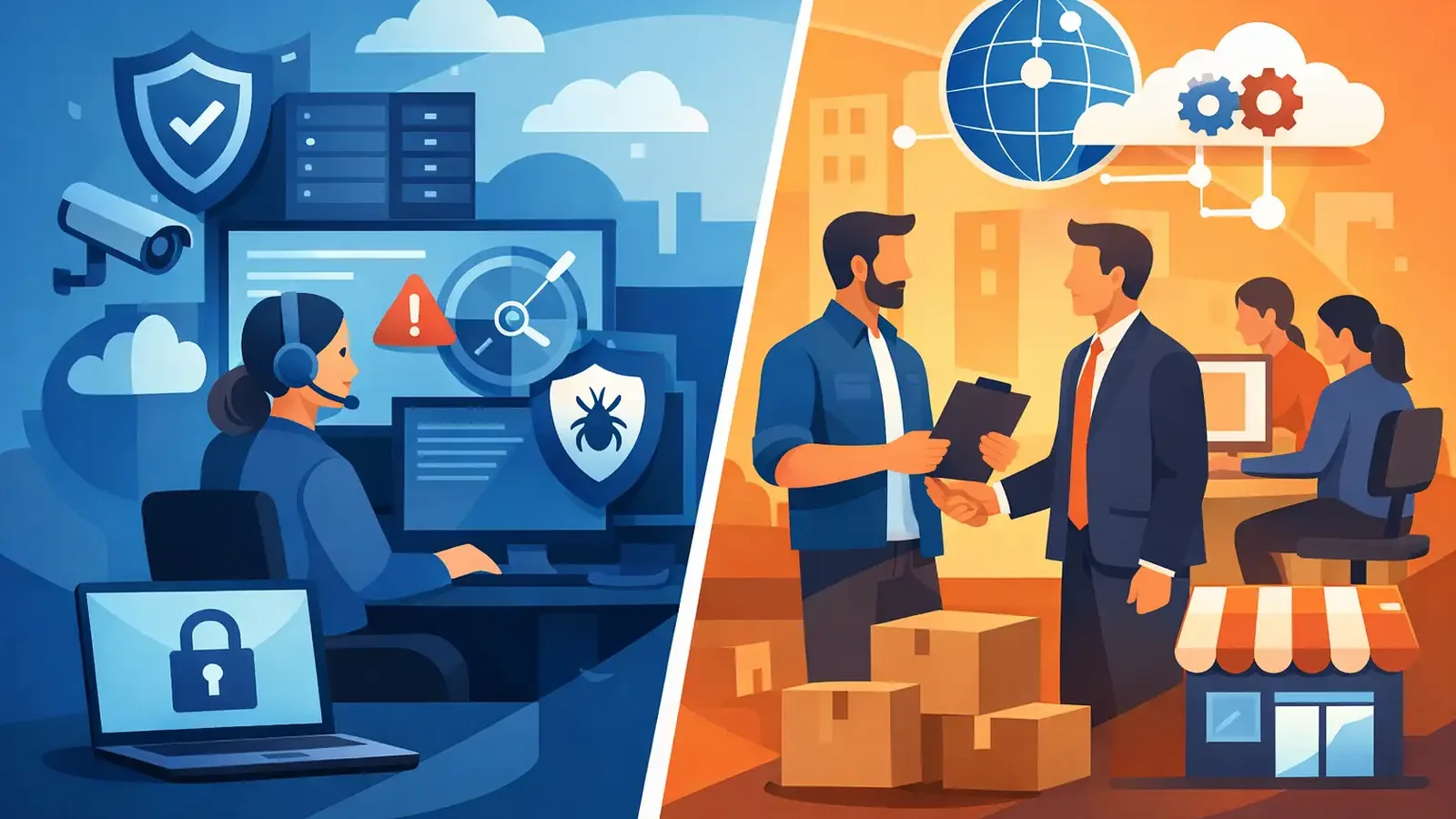
A suspicious login, a ransomware alert, or an employee clicking a convincing invoice is not a technology planning exercise. It is a moment when someone needs to decide what is real, what is affected, and what must happen next. That is the practical difference behind MDR versus IT outsourcing: one is focused on actively defending against threats, while the other may be responsible for much broader day-to-day technology support.
For small businesses, the choice is rarely as simple as picking one or the other. Many already have an internal IT person, a trusted consultant, or a managed IT provider. What they may not have is a security team watching endpoint activity around the clock, investigating suspicious behavior, and taking action when a threat is confirmed.
MDR versus IT outsourcing: the core difference
Managed Detection and Response, or MDR, is a cybersecurity service built around detecting and responding to threats. It goes beyond installing antivirus or endpoint detection software. The service includes continuous monitoring, professional investigation of alerts, containment of confirmed threats, remediation support, and follow-through after an incident.
IT outsourcing is broader. An outsourced IT provider may manage help desk requests, new employee setup, Microsoft 365, Wi-Fi, servers, backups, printers, devices, and software. Depending on the provider and agreement, it may also include some security tools and basic security administration.
Both services can be valuable. They simply answer different questions.
IT outsourcing answers: “Who helps us run our technology?” MDR answers: “Who is actively watching for malicious activity and responding when something suspicious happens?”
That distinction matters because endpoint security creates alerts. Alerts alone do not stop an attack. Someone must determine whether an alert is harmless, suspicious, or urgent, then take the right action without delaying business operations unnecessarily.
What an outsourced IT provider usually handles
A capable IT provider is often the operational backbone of a small business. They keep systems usable, employees connected, and technology problems moving toward resolution. Their work may include device management, account administration, software support, network maintenance, backup oversight, and routine patching.
Some IT providers also sell or manage cybersecurity products. That can be a good fit, especially when the provider has a dedicated security practice, clear response processes, and staff available to investigate alerts outside business hours.
But “security included” can mean very different things. It may mean antivirus is installed. It may mean a dashboard is reviewed periodically. It may mean the provider receives alerts and responds during standard support hours. None of those options automatically means a security professional is continuously investigating threat activity or is authorized to contain a compromised device quickly.
Before assuming your IT agreement includes MDR-level protection, ask direct questions. Who watches endpoint alerts? Is the monitoring 24/7? Who investigates? What happens when an alert is confirmed at 2:00 a.m.? Who isolates the affected computer, removes malicious files, and communicates what happened?
Clear answers are more useful than broad assurances.
What MDR adds to the security picture
MDR combines endpoint detection technology with people who operate it. Endpoint Detection and Response, commonly called EDR, can identify behavior that traditional antivirus may miss, such as credential theft attempts, suspicious remote access tools, or ransomware-like activity.
The software is necessary, but it is not the entire service. An MDR team reviews detections, separates noise from meaningful risk, investigates the activity, and responds based on the evidence. When a real threat is identified, response can include isolating the device, stopping malicious processes, removing persistence mechanisms, and guiding the next steps needed to restore confidence in the environment.
This is especially useful for businesses that cannot staff a security operations center. Most small organizations do not need to build one. They need a defined team with the tools, authority, and process to respond when their devices show signs of compromise.
At PC Vax, that model centers on professionally managed endpoint protection: 24/7 monitoring, threat investigation, containment, remediation, customer communication, and reporting. It is designed to sit alongside existing IT support rather than force a business to replace the people already handling its technology.
Why antivirus and IT support are not always enough
Traditional antivirus is still useful, but it is primarily a prevention tool. It looks for known threats and suspicious patterns. Modern attacks often involve activity that does not look like a simple virus file: a stolen password used to access a workstation, a legitimate remote management tool used improperly, or a user tricked into approving a login prompt.
IT support teams face a different challenge. Their work is full of urgent requests: a user cannot print, an executive needs access, a laptop is failing, or a new hire starts tomorrow. Security alerts can compete with those demands, particularly when the provider does not have a dedicated response team.
That does not mean your IT provider is falling short. It means their role may be different. A generalist IT team can be excellent at keeping operations running while a specialized MDR provider focuses on detecting and handling hostile activity.
The strongest arrangement is often collaborative. MDR contains the immediate threat and provides findings. The IT provider helps address wider changes, such as password resets, system rebuilding, network adjustments, application configuration, or employee support.
When MDR is the better fit
MDR is a strong fit when you already have IT support but need deeper security coverage. You may have a consultant who handles your computers and Microsoft 365 well, yet no one has explicitly agreed to monitor endpoint threats around the clock.
It is also a practical choice when your business handles client information, financial records, health-related data, legal documents, or other sensitive material. A single compromised computer can become an entry point to shared files, email accounts, cloud applications, and vendor relationships.
Cyber insurance is another common driver. Insurers increasingly expect documented controls such as EDR, multifactor authentication, backups, patching, awareness training, and incident-response planning. MDR does not replace every one of those controls, but it provides a meaningful layer of monitored detection and response that software-only antivirus cannot offer on its own.
MDR is not a substitute for help desk support, network management, or business technology planning. If your business needs someone to set up users, troubleshoot applications, manage infrastructure, and handle everyday requests, you still need internal IT resources or an outsourced IT provider.
When broader IT outsourcing may come first
If your business has no reliable technology support at all, full IT outsourcing may be the first priority. A provider can establish basic order: supported devices, user accounts, backups, patching, access controls, and a process for employee support.
Security works better on a managed foundation. An MDR team can respond to endpoint threats, but it cannot replace an unmanaged backup strategy, years of unsupported software, or a network no one understands.
Even then, do not treat cybersecurity as an automatic checkbox in an IT contract. Review the scope. Confirm whether the provider offers monitored EDR, how alerts are handled, whether response is available after hours, and whether remediation is included or billed separately.
A lower monthly price may be appropriate for software deployment and business-hours support. It may not include the human attention required during an active incident. Knowing that difference before an event is far less stressful than learning it while a device is locked or accounts are being accessed.
How the two services should work together
The handoff between MDR and IT support should be practical, not complicated. When suspicious activity appears, the MDR team investigates and determines whether containment is needed. If the threat is confirmed, the affected device may be isolated to prevent spread while the team removes or stops the malicious activity.
The business should receive clear communication: what was found, what action was taken, what remains to be done, and whether employees or the IT provider need to complete follow-up work. The IT provider can then handle related operational tasks, such as rebuilding a device, updating credentials, correcting a configuration issue, or helping a user return to work.
That division creates accountability. Your IT provider is not asked to become a 24/7 security operations center overnight. Your MDR provider is not expected to take over every technology decision. Each team can do the job it is equipped to do.
Choose based on responsibility, not labels
Service names can be misleading. One provider may call its offering “managed security” while another calls it “IT support with protection.” The useful question is not what the package is named. It is who owns the response when suspicious activity is detected.
Ask for a plain-language explanation of the process. Find out who investigates, who contacts you, who can isolate a device, who performs remediation, and what reporting you receive afterward. Also ask how patch management, multifactor authentication, backups, and employee awareness fit into the broader security plan.
For many small businesses, the answer is not MDR or IT outsourcing. It is IT support for the systems that keep work moving, plus MDR for the threats that require focused, active attention. The right setup is the one where no critical security alert is left waiting for someone to notice it.
PC Vax provides cybersecurity services, not insurance advice. Cyber insurance requirements vary by carrier, policy, and applicant, and PC Vax does not guarantee insurance eligibility, approval, coverage, or premiums.
Professional Cybersecurity. Made Simple.