August 14, 2026
EDR vs Antivirus: What Small Businesses Need
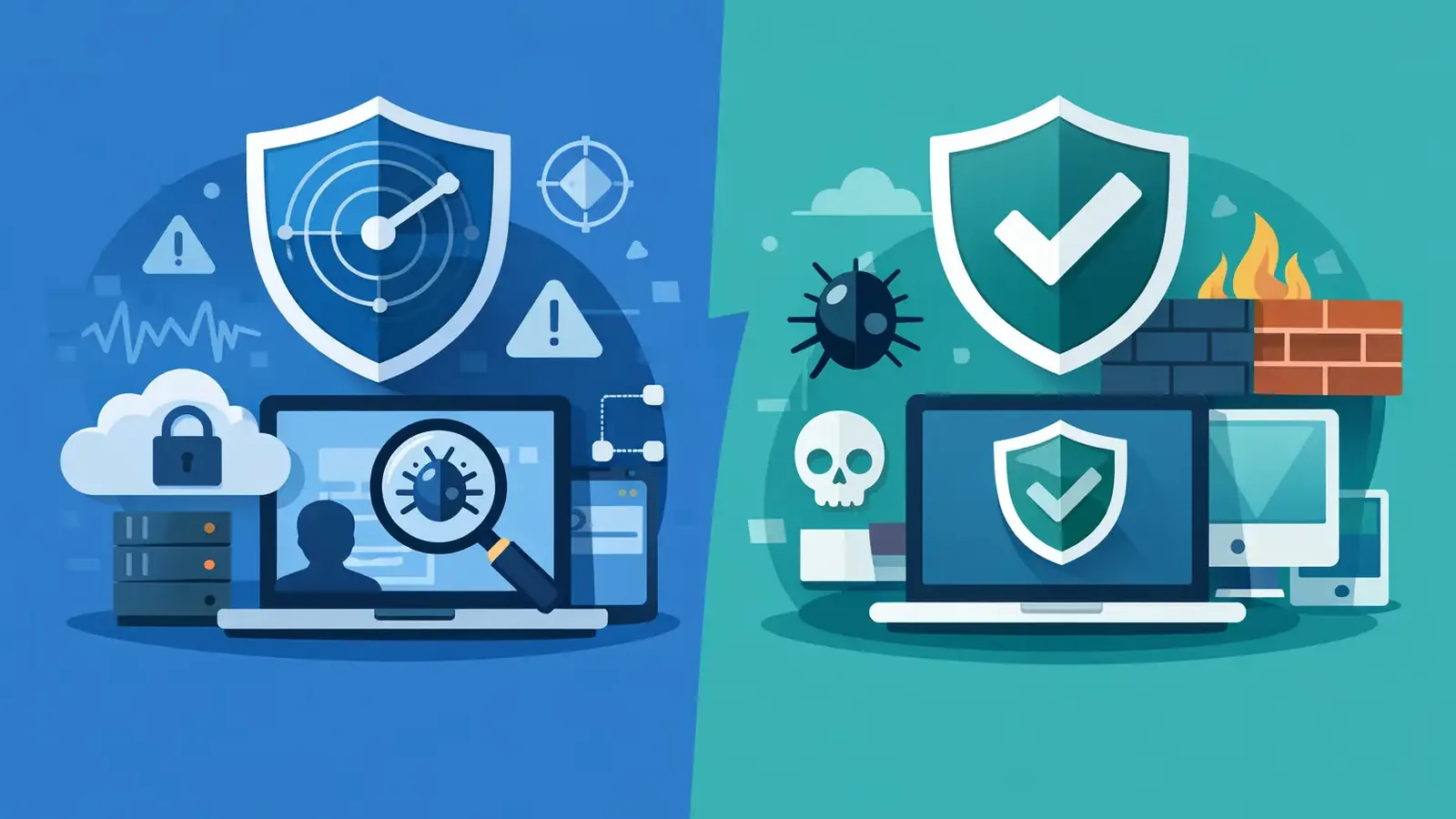
A staff member opens what looks like a routine invoice attachment. Antivirus does not flag it. Minutes later, the file begins contacting an unfamiliar website, attempts to collect saved credentials, and tries to move to another computer. The question in the EDR vs antivirus discussion is not simply which tool is installed. It is whether anyone can see that sequence, determine whether it is malicious, and stop it before it becomes a business disruption.
For many small businesses, traditional antivirus is still part of the answer. It is not the whole answer. Attackers know how antivirus works, and they increasingly rely on stolen credentials, legitimate remote-access tools, scripts, and new malware that may not match a known signature. Those threats require visibility, context, and a response process.
EDR vs antivirus: the practical difference
Antivirus is designed to prevent known threats from running. It scans files and activity for recognizable malicious code or suspicious patterns, then blocks or quarantines what it finds. That remains useful. A good antivirus product can stop many common threats before they affect a user or device.
EDR, short for endpoint detection and response, goes further. It records and analyzes activity on endpoints such as laptops, desktops, and servers. Instead of asking only, “Is this file known to be bad?” EDR can ask, “What happened on this device, what launched this process, what did it access, and does this behavior resemble an attack?”
That difference matters when a threat does not arrive as an obvious virus. A legitimate PowerShell command used in an unusual way, a new account created after hours, or an employee’s credentials used from an unexpected location may all be signals of compromise. EDR provides the evidence and tools needed to investigate those signals.
But software alone does not equal protection. An EDR platform can generate an alert at 2:00 a.m. It cannot, by itself, decide whether an employee is doing legitimate work, isolate a computer with confidence, speak with the customer, remove persistence mechanisms, and confirm the threat is gone. Those are operational responsibilities.
What antivirus does well, and where it stops
Antivirus is often the right baseline control because it is affordable, familiar, and effective against a large volume of everyday malware. It can scan downloads, block malicious attachments, and prevent known ransomware variants from executing. For a home computer or a low-risk device, that may be a reasonable starting point.
The limitation is that antivirus is primarily a prevention tool. It depends heavily on what it can recognize and block at the moment of execution. If an attacker uses a newly modified payload, abuses a trusted system tool, or signs in with valid stolen credentials, there may be no obvious malicious file for antivirus to catch.
There is also an ownership problem. Many businesses receive antivirus notifications but do not have a defined process for reviewing them. Someone may notice an alert days later. Someone else may assume the IT provider is handling it. Or the alert may be dismissed because the team receives too many low-priority messages. An alert that nobody owns is not a security response.
What EDR adds to endpoint protection
EDR helps security teams reconstruct events and act on suspicious behavior. Depending on the platform and service, it can identify unusual process activity, attempted credential theft, remote-control abuse, persistence techniques, ransomware behavior, and lateral movement between devices.
Just as valuable, EDR gives investigators context. They can see the process tree that led to an alert, review files and command lines involved, determine whether other endpoints show the same indicators, and isolate an affected device if necessary. That can turn a vague warning into a clear decision.
Consider a laptop that runs an unexpected command shortly after a user opens an attachment. With basic antivirus, the result may be a block notification or no notification at all. With EDR, the activity can be correlated with other behaviors: a suspicious child process, attempts to access browser credentials, and a connection to a known malicious destination. An investigator can assess the full chain and contain the device before the attacker reaches shared files or additional systems.
EDR does have trade-offs. It produces more detailed telemetry and, at times, more alerts. A business that purchases EDR software without trained monitoring can still face alert fatigue. The tool may be powerful, but the burden of triage, containment, remediation, and documentation remains with the business or its IT team.
Managed EDR is different from buying another tool
Small businesses rarely need another dashboard to monitor. They need a clear answer when suspicious activity occurs: Is this real, what has been affected, and what happens next?
Managed EDR combines endpoint technology with people who review alerts and take action. The service should include continuous monitoring, threat investigation, containment of confirmed threats, remediation support, incident follow-through, and communication that explains what occurred in plain language. The goal is not to send every alert to the customer. The goal is to identify the alerts that need action and make sure that action happens.
This model is especially useful for companies with an outside IT provider. Managed endpoint security does not have to replace help desk support, Microsoft 365 administration, network management, or application support. It can serve as a dedicated cybersecurity layer. When a confirmed endpoint threat occurs, the security team can contain and investigate it while coordinating with the IT provider where needed.
At PC Vax, that responsibility is central to the service: Huntress-powered managed EDR is monitored around the clock by security professionals who investigate suspicious activity and help drive containment and remediation. The business owner is not expected to become an incident responder between client calls or payroll tasks.
How to choose between antivirus and EDR
For most businesses, the better decision is not antivirus or EDR. It is antivirus-level prevention plus EDR-level detection and response, managed at a level appropriate to the risk.
Start with the business impact of a compromised computer. If a device holds client records, financial information, passwords, access to cloud applications, or shared files, an incident can affect far more than one laptop. Downtime, recovery costs, missed work, notification obligations, and reputational damage can quickly exceed the monthly cost of managed protection.
Then consider who is watching. If your internal IT team has the expertise and capacity to monitor EDR alerts at all hours, investigate endpoint activity, and respond quickly, an EDR platform may fit into that existing security operation. Most small organizations do not have that capability, and that is not a failure. It is a practical staffing reality.
Finally, look at insurance and customer requirements. Cyber-insurance applications increasingly ask whether the business uses EDR, multifactor authentication, managed patching, secure backups, security awareness training, and incident-response procedures. Installing a product may satisfy part of a technical requirement, but documented monitoring and response provide a stronger security foundation.
Detection only matters when someone responds
A useful endpoint security service should make the response path clear. When a genuine threat is identified, someone should determine the scope, isolate the affected endpoint when appropriate, remove malicious files or persistence, check for related activity, and document what was done. The customer should understand the impact without having to interpret technical logs.
Patching belongs in this conversation as well. EDR can identify suspicious behavior after an attacker begins operating on a device, while patch management reduces exposure to known weaknesses before they are exploited. Neither control replaces the other. Together with multifactor authentication, reliable backups, and user awareness, they reduce both the likelihood and impact of an incident.
The right question is not whether antivirus has become useless. It has not. Antivirus remains a valuable layer of prevention. The better question is what happens when prevention misses something, a credential is stolen, or an attacker uses trusted tools in an untrusted way. For a business that depends on its computers, the reassuring answer is not another alert. It is knowing a qualified team is already looking into it and taking the next responsible step.
PC Vax provides cybersecurity services, not insurance advice. Cyber insurance requirements vary by carrier, policy, and applicant, and PC Vax does not guarantee insurance eligibility, approval, coverage, or premiums.
Professional Cybersecurity. Made Simple.