August 13, 2026
Cybersecurity for Independent Professionals
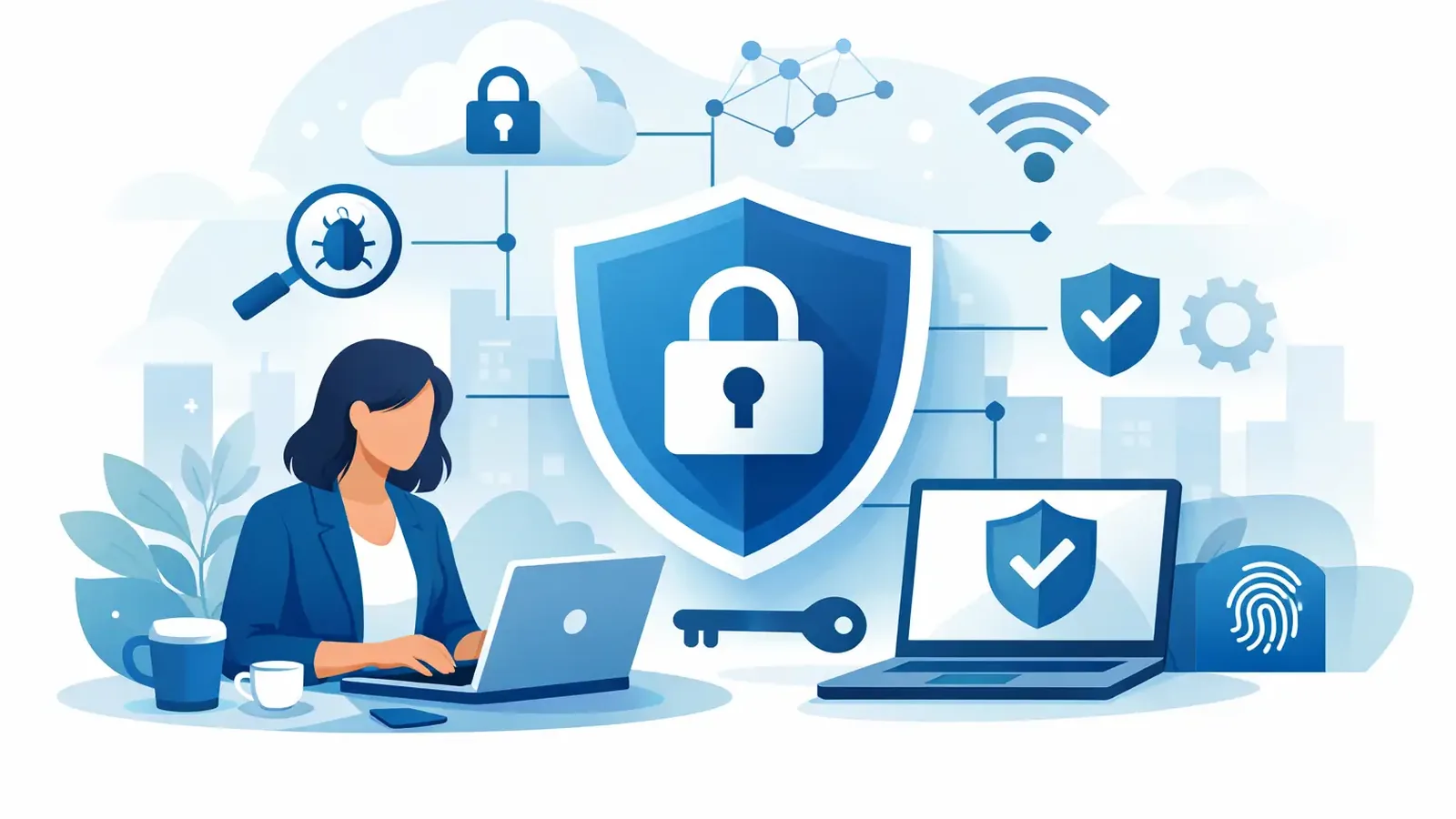
A suspicious email lands in your inbox at 8:42 a.m. It appears to come from a client, refers to a real project, and asks you to review a file before a meeting. You click it between calls. That is often how a one-person business becomes a security incident.
Cybersecurity for independent professionals is not about turning your practice into an IT department. It is about protecting the computer, accounts, files, and client trust that allow you to do your work. When your business runs through a laptop and cloud apps, a compromised device can interrupt billing, expose sensitive documents, lock you out of email, or give an attacker a path into a client’s environment.
The goal is practical: reduce the chance of an incident, spot trouble early, and make sure someone can act when a real threat appears.
Why independent professionals are a target
Attackers do not only pursue large companies with recognizable names. Independent consultants, accountants, designers, attorneys, real estate professionals, contractors, and service providers often hold valuable information with fewer layers of protection. Client contacts, tax documents, contracts, payment details, saved passwords, and email history can all be useful to criminals.
A smaller operation can also look easier to compromise. There may be one primary computer, no dedicated security staff, inconsistent software updates, and little time to examine every alert. An attacker does not need to steal millions of records for the damage to be serious. A fraudulent invoice, ransomware event, or compromised email account can cost days of work and create a difficult client conversation.
This is why basic antivirus alone is no longer a complete answer. Antivirus can block known threats, and it remains useful, but it may not recognize every new technique or decide what to do after suspicious activity is detected. Detection is only useful when someone responds.
What cybersecurity for independent professionals should cover
The right setup depends on the information you handle, the applications you use, and whether you work alone or with contractors. A professional who handles regulated client records has different exposure than a freelance creative working mostly with public assets. Still, most independent businesses need protection in the same core areas.
Your endpoints need active protection
Your desktop and laptop are endpoints. They are where email attachments open, browser sessions run, files are downloaded, and client data may be stored. Modern endpoint detection and response, often called EDR, watches for behavior that suggests an attack rather than relying only on known malware signatures.
For example, an EDR tool may flag unusual attempts to disable security settings, encrypt a large number of files, steal browser credentials, or launch suspicious scripts. That visibility matters. But software that creates an alert is not the same as a service that investigates it.
Managed EDR adds the missing operational layer. Security professionals monitor activity around the clock, investigate suspicious behavior, and take containment and remediation actions when a threat is confirmed. Instead of receiving an alarming notification while you are with a client, you have people whose job is to determine whether the activity is real and act quickly.
Your accounts need stronger access controls
Email is a frequent starting point for business fraud. If someone gains access to your email, they can search conversations, reset passwords for other services, impersonate you, and send believable requests to clients or vendors.
Multifactor authentication should be enabled on email, financial accounts, cloud storage, password managers, and any platform that holds business data. A password alone is not enough, especially when passwords are reused, exposed in a breach, or captured through a phishing page.
Use a password manager to create a unique password for every account. This removes the pressure to remember dozens of complex passwords and makes it far easier to change credentials quickly if an account is at risk. If a service offers app-based authentication or a security key, those options are generally stronger than text-message codes.
Your software needs to stay current
Many successful attacks use vulnerabilities that already have fixes available. Operating systems, web browsers, office applications, remote access tools, and common business software all need regular updates. Delaying patches can leave a known opening available long after criminals have learned how to exploit it.
Patch management is not glamorous, but it reduces exposure. It also requires judgment. Some updates need testing or scheduling to avoid interrupting a specialized application or client workflow. A managed patching process helps keep routine updates moving while providing visibility into devices that remain behind.
Your backups need to be usable
Backups are a recovery tool, not a substitute for prevention. If ransomware encrypts files or a cloud account is compromised, a current backup can make the difference between a difficult day and a business-stopping event.
Keep business data backed up separately from the device where it is used. Confirm that backups run successfully and that you can restore files when needed. A backup that has never been tested is an assumption, not a recovery plan. For critical data, consider keeping a protected copy that cannot be easily altered by someone who compromises your normal account.
A managed response matters more than another dashboard
Independent professionals rarely need more security portals to check. They need accountability when something looks wrong.
Consider two common scenarios. In the first, software detects suspicious activity and sends an email alert. You see it hours later, try to interpret technical details, and decide whether to call your IT provider, reset passwords, or shut down the computer. Valuable time passes, and there is no clear record of what happened.
In the second, a monitored service receives the detection, a security team investigates the activity, and confirmed threats are contained. The team works through remediation, communicates what occurred, and follows through until the issue is resolved. You still need to make business decisions when appropriate, but you are not left alone to interpret a security event.
That distinction is especially relevant if you already have an IT provider. Your IT team may handle devices, Microsoft 365, networking, applications, and daily support very well. Specialized managed endpoint security can complement that relationship by adding continuous threat monitoring and incident response without asking you to replace your existing technology support.
PC Vax provides this type of focused layer through managed endpoint detection and response, with professional investigation, containment, remediation, and reporting behind the alerts. The point is not to sell fear. It is to make sure suspicious activity has an owner.
A practical starting plan
You do not need to fix every security issue in one weekend. Start with the controls that address the most common and damaging failures. First, turn on multifactor authentication for your email and critical business services. Next, make sure every work computer has professionally managed endpoint protection rather than relying on a consumer antivirus subscription alone.
Then review software updates and backups. Identify the devices that access client data, financial systems, and administrative accounts. If you use a personal computer for business, treat it like a business device: separate work files where possible, keep it patched, and protect it with the same care you would apply to an office computer.
Finally, decide what happens when an incident occurs. Who can isolate a device? Who contacts affected clients if necessary? Where are backup codes and key account details stored? You do not need a lengthy corporate playbook, but you do need clear answers before a rushed moment creates a worse outcome.
Security habits that protect client trust
Technology cannot prevent every mistake, and most attacks still rely on a person acting quickly under pressure. Build a few deliberate pauses into your routine. Verify payment changes through a known phone number. Be cautious with unexpected file-sharing notices. Check the full sender address, not only the display name. Do not approve multifactor prompts you did not initiate.
Be equally careful with access granted to others. Contractors, bookkeepers, virtual assistants, and outside IT providers may need access to business systems, but they should receive only the permissions required for their work. Remove access when an engagement ends. Shared passwords make this difficult, which is another reason to use a password manager with controlled sharing.
Clients may never ask what endpoint protection you use. They will notice, however, if a fraudulent email comes from your account or if you cannot access their files before a deadline. Good cybersecurity supports the reliability your clients already expect from you.
A security plan does not have to be enterprise-sized to be effective. It has to be maintained, monitored, and backed by someone prepared to respond. That is how independent professionals protect the work they have built and the people who trust them with it.
Professional Cybersecurity. Made Simple.