September 10, 2026
How to Contain Malware Quickly in Your Business
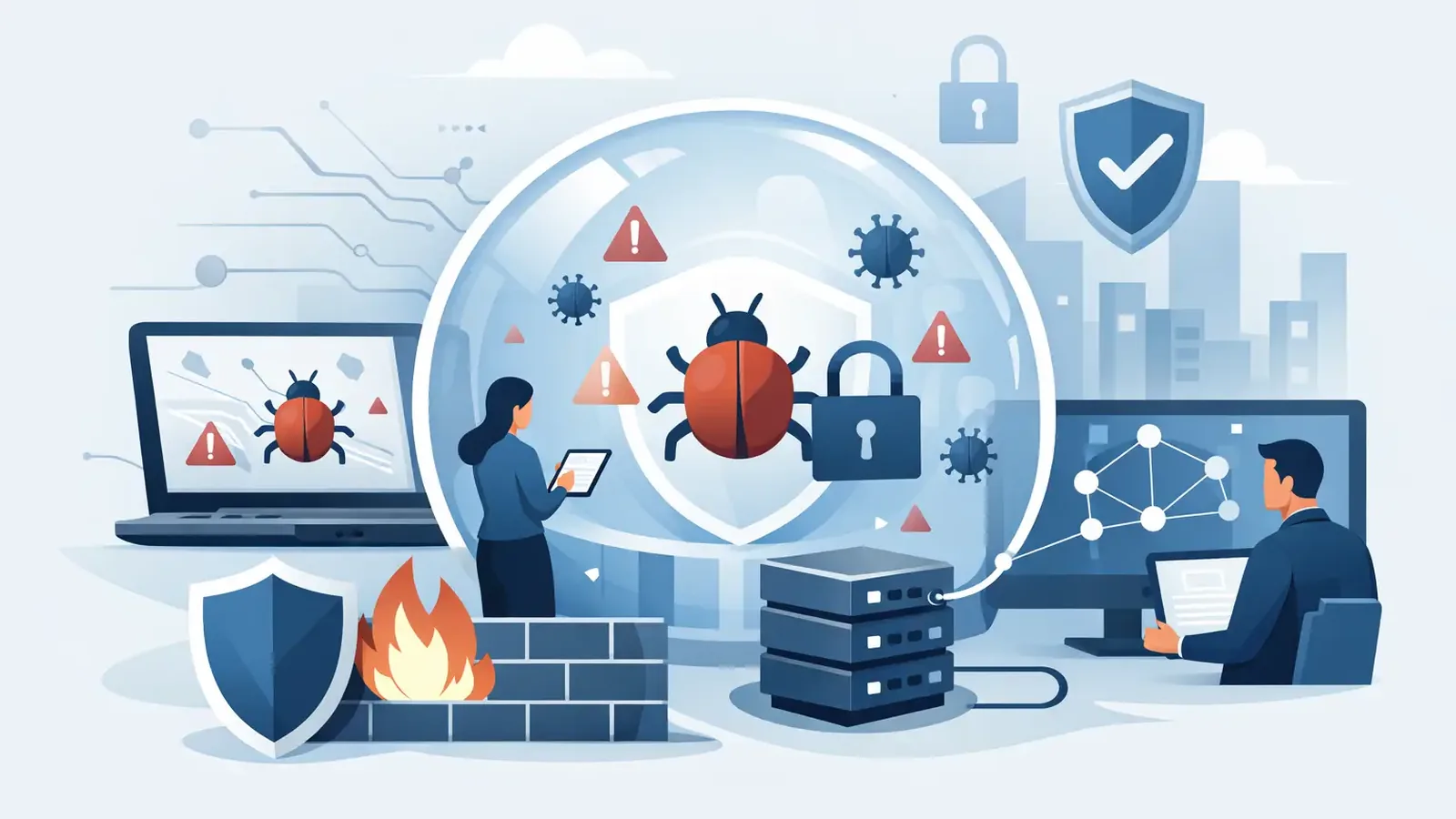
A staff member clicks what looks like a shared invoice. Minutes later, files begin changing names, a workstation slows down, or a security alert appears. At that point, knowing how to contain malware quickly is not about finding the right antivirus button. It is about stopping the threat from spreading while preserving the information needed to understand what happened.
For a small business, the first hour can determine whether an incident remains one affected computer or becomes a business-wide disruption. Fast action matters, but unplanned action can make recovery harder. Deleting files, restarting computers, or reconnecting a device too soon may remove evidence or allow the malware to continue communicating.
The First Rule: Isolate, Do Not Investigate Alone
If you suspect a computer is infected, remove it from the network immediately. Disconnect its Ethernet cable and turn off its Wi-Fi connection. If the device is a laptop, do not connect it to a different office network, home network, or mobile hotspot.
Isolation limits the malware’s ability to reach shared files, other devices, backups, cloud accounts, or an attacker-controlled server. It also gives your IT provider or security team a stable starting point for investigation.
Do not power the computer off unless a qualified responder tells you to. Some threats operate only while the device is running, and shutting it down can erase useful evidence from memory. There are exceptions, such as an actively encrypting ransomware event that is rapidly damaging files. In that situation, immediate isolation is still the priority, and responders can advise whether a shutdown is appropriate.
If the affected device is a server, shared workstation, or computer used to access financial systems, treat the incident as urgent. Call your security provider and IT provider rather than trying to work through it by email.
How to Contain Malware Quickly Without Creating More Risk
Containment is more than disconnecting one computer. The goal is to prevent movement, protect accounts, and preserve business operations while experts determine the scope.
Start by recording what you know. Note the user’s name, device name, time the issue was noticed, any message displayed on screen, and what happened just before the alert or unusual behavior. A photo of the screen can be useful, especially if there is a ransom message or a suspicious command window.
Then notify the people responsible for response. For many small businesses, that means an outside IT provider, a managed security provider, or both. Be direct: explain that you suspect malware, identify the device, state that it has been isolated, and share the time the activity was first observed.
Avoid sending suspicious files or screenshots through personal email accounts. Do not forward the original phishing message to several coworkers. That can spread the same malicious content. Your security team can tell you the safest way to preserve and submit evidence.
Protect Accounts That May Have Been Used
Malware often arrives alongside credential theft. If the affected employee recently entered a password after clicking a link, approved an unexpected multifactor authentication prompt, or accessed email, banking, payroll, or client systems from the device, assume the related account may be at risk.
Change passwords from a known-clean device, not from the suspected computer. Revoke active sessions where possible, review new mailbox forwarding rules, and check for unfamiliar login activity. Prioritize accounts with administrative access, financial authority, remote access, and access to sensitive customer data.
Do not reset every password in the company without a plan. A broad reset may be necessary in a confirmed compromise, but it can also interrupt operations and create confusion. A security professional can help identify which credentials need immediate attention based on the type of threat and the systems involved.
Keep Other Devices Under Observation
One suspicious endpoint does not automatically mean every computer is infected. It does mean you should look for related activity. Check whether other employees received the same email, opened the same attachment, or visited the same website. Ask whether anyone sees new pop-ups, missing files, unusual slowness, unexpected password prompts, or antivirus warnings.
Do not ask employees to hunt through technical logs or make their own decisions about deleting files. Give them a simple instruction: report anything unusual and avoid interacting with suspicious messages or prompts.
A managed endpoint detection and response service can investigate this activity across protected devices. That is a critical difference from an antivirus alert alone. Detection is useful, but someone still needs to determine whether it is a real threat, isolate the right endpoint, remove persistence, and verify that the attacker has not moved elsewhere.
What Not to Do During a Malware Incident
Well-intentioned reactions can expand the problem. Do not reconnect the device to see whether it is “working now.” Do not restore files from backup until the cause of the infection has been investigated. Restoring too early can reintroduce malware or overwrite evidence that explains how the incident occurred.
Do not pay a ransom or communicate with an attacker before speaking with legal counsel, cyber-insurance contacts, and qualified incident responders. Payment does not guarantee file recovery, and ransomware events may involve stolen data as well as encryption.
Also resist the urge to rely on a single antivirus scan as proof that the incident is over. Malware can leave behind scheduled tasks, remote access tools, changed security settings, stolen credentials, or hidden persistence mechanisms. A clean scan is encouraging, but it is not the same as a completed investigation.
Containment Should Lead to Investigation and Recovery
Once the affected device is isolated, responders need to answer practical questions. What was the malware? How did it enter? What did it access? Did it spread? Were credentials exposed? Is the device safe to return to service?
The answers shape the recovery plan. A low-level potentially unwanted program may require cleanup and user coaching. A remote access trojan, credential-stealing tool, or ransomware precursor requires a wider review of accounts, systems, backups, and network activity.
This is why businesses need a documented response process before an alert appears. The process does not have to be complicated. It should clearly state who can isolate a device, who contacts the security provider, how employees report suspicious activity, how backups are protected, and who communicates with leadership, clients, or insurance contacts if needed.
For businesses using outside IT support, cybersecurity response should complement that relationship. Your IT provider may handle user access, systems, applications, and recovery. A focused managed security team can provide continuous monitoring, threat investigation, endpoint containment, remediation guidance, and documented follow-through. PC Vax is built around that operational responsibility: real people reviewing suspicious activity and helping ensure confirmed threats are handled through resolution.
Reduce the Chance of the Next Incident
Fast containment is essential, but prevention reduces how often your team has to use it. Keep operating systems and common applications patched, particularly browsers, remote access software, document readers, and collaboration tools. Use multifactor authentication on email, financial, cloud, and administrative accounts. Maintain backups that are protected from ordinary user access and test restoration before an emergency.
Employees also need a clear path to report concerns without embarrassment. The person who reports a questionable message quickly may prevent a serious event. Encourage reporting, even when the employee is unsure. A two-minute review is far less disruptive than a day of recovery.
The most useful security plan is not the one with the longest list of tools. It is the one that makes the next action obvious when something goes wrong. When malware appears, isolate the device, protect affected accounts, alert the right people, and let qualified responders determine what comes next. That is how a tense moment becomes a managed incident instead of a business-wide crisis.
PC Vax provides cybersecurity services, not insurance advice. Cyber insurance requirements vary by carrier, policy, and applicant, and PC Vax does not guarantee insurance eligibility, approval, coverage, or premiums.
Professional Cybersecurity. Made Simple.